WCAG 2.1 vs 2.2 vs 2.3: Which Standard Applies in 2025?
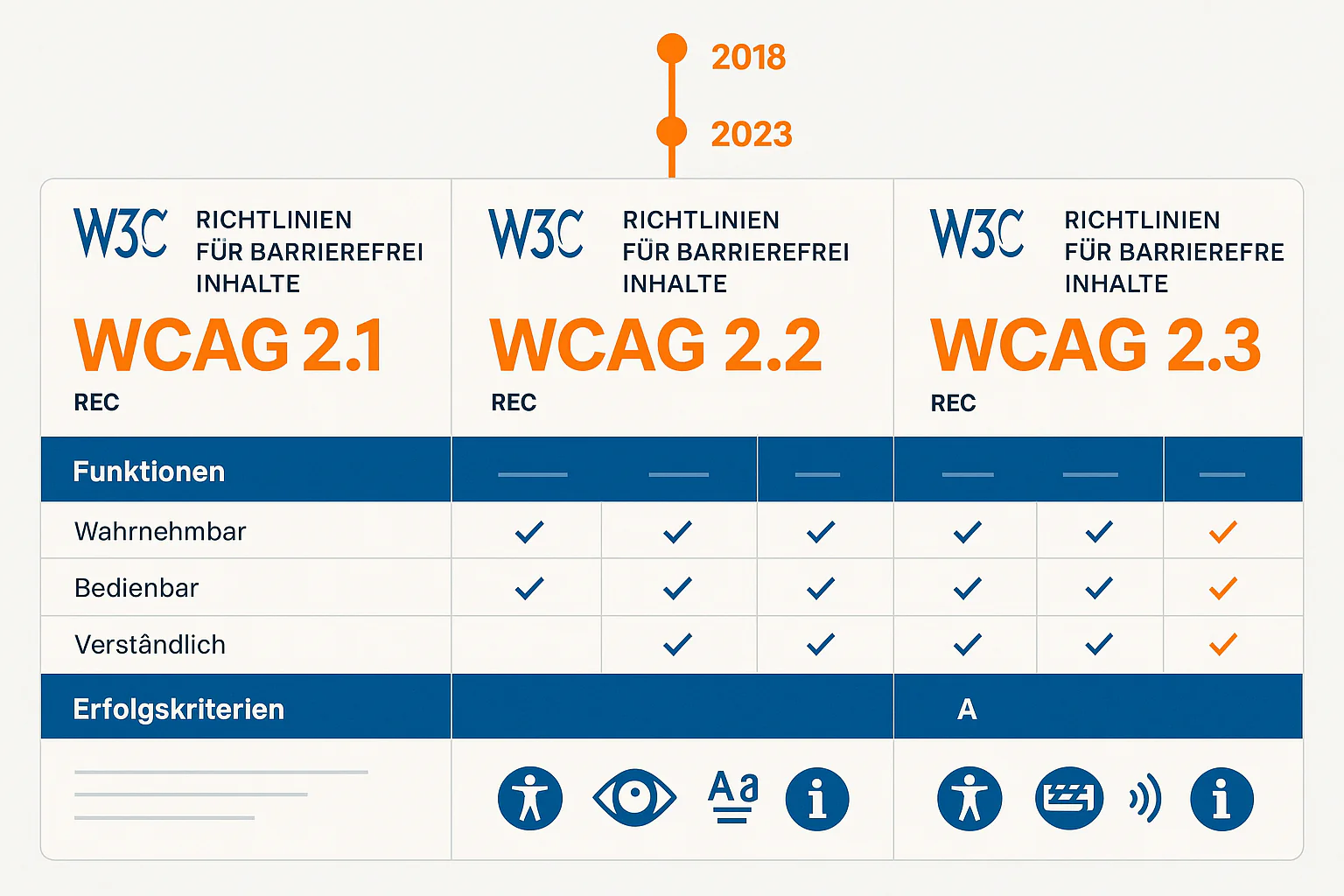
The WCAG landscape is evolving rapidly: While WCAG 2.1 still forms the legal foundation for BFSG (German implementation of EAA), WCAG 2.2 is already the standard and WCAG 2.3 is in the starting blocks. This confusion creates uncertainty among companies: Which standard is truly required? What are the differences? And how do you prepare for future developments?[1][2]
Quick Answer: WCAG 2.1 for BFSG, 2.2 recommended
Legally required: WCAG 2.1 Level AA (via EN 301 549)
Best practice: WCAG 2.2 Level AA for better mobile accessibility
Future-proof: Prepare for WCAG 2.3 (expected 2026+)
WCAG 2025: The Legal Situation in Germany
Legal Standard: WCAG 2.1 Level AA
BFSG (German implementation of EAA) references EN 301 549 v3.2.1, which fully integrates WCAG 2.1 Level AA. This means:
- 50 Success Criteria are legally mandatory (25 Level A + 25 Level AA)
- Deadline: June 28, 2025 - no transition period for digital services
- Enforcement: Fines of €10,000-€100,000 for violations
- Scope: All B2C digital services (with microenterprise exceptions)
Why not WCAG 2.2 or 2.3?
- Standardization cycles: EN 301 549 is only updated every 3-5 years
- Legal certainty: Established standards are legally better secured
- International coordination: EU-wide harmonization takes time
- Implementation reality: Many companies still struggle with 2.1 basics
WCAG 2.1: The BFSG Baseline (50 Criteria)
WCAG 2.1 is the proven foundation of web accessibility and has been a W3C standard since 2018. All 50 criteria are well-documented, have established testing tools, and comprehensive best-practice resources.
The 4 Principles of WCAG 2.1:
| Principle | Level A Criteria | Level AA Criteria | Critical Examples |
|---|---|---|---|
| Perceivable | 8 | 5 | Alt texts, color contrasts 4.5:1 |
| Operable | 13 | 7 | Keyboard navigation, skip links |
| Understandable | 3 | 9 | Consistent navigation, error correction |
| Robust | 1 | 4 | Valid HTML, ARIA implementation |
WCAG 2.1 Innovations (vs. WCAG 2.0):
13 new criteria, primarily for mobile and cognitive accessibility:
Mobile-focused criteria:
- 2.5.1 Pointer Gestures (Level A): Alternative to complex gestures
- 2.5.2 Pointer Cancellation (Level A): Action only on mouseup/touchend
- 2.5.3 Label in Name (Level A): Visible text in accessible name
- 2.5.4 Motion Actuation (Level A): Alternative to shake gestures
Cognitive Accessibility:
- 1.3.4 Orientation (Level AA): Content must not restrict orientation
- 1.3.5 Identify Input Purpose (Level AA): Autocomplete for forms
- 1.4.10 Reflow (Level AA): Avoid horizontal scrolling up to 320px
- 1.4.11 Non-text Contrast (Level AA): UI elements 3:1 contrast
- 1.4.12 Text Spacing (Level AA): Adjustable line spacing
- 1.4.13 Content on Hover or Focus (Level AA): Controllable tooltips
Robustness:
- 4.1.3 Status Messages (Level AA): aria-live for dynamic updates
WCAG 2.2: The Current Standard (9 new criteria)
WCAG 2.2 was published in October 2023 as a W3C Recommendation and is the current state of the art. All WCAG 2.1 criteria remain unchanged, plus 9 new requirements[3].
The 9 WCAG 2.2 Innovations in Detail:
Level A Criteria (2 new):
2.4.11 Focus Not Obscured (Minimum) (Level A)
- Problem: Modal dialogs, sticky headers obscure focused element
- Solution: Focused elements must remain visible or be made visible
- Practice:
element.scrollIntoView()on focus change
2.4.12 Focus Not Obscured (Enhanced) (Level AA)
- Enhancement of 2.4.11: Element must not be obscured at all
- Application: Critical user interfaces, accessible SPAs
Level AA Criteria (5 new):
2.4.13 Focus Appearance (Level AA)
- Requirement: Focus indicator at least 2 CSS pixels thick
- Contrast: 3:1 to surrounding area
- Implementation:
:focus-visible { outline: 2px solid #005fcc; }
2.5.7 Dragging Movements (Level AA)
- Problem: Drag-and-drop without alternative
- Solution: Simple pointer interactions as alternative
- Example: File upload with drag & drop + browse button
2.5.8 Target Size (Minimum) (Level AA)
- Requirement: Touch targets at least 24x24 CSS pixels
- Exceptions: Inline links in text, native browser controls
- Mobile optimization: Enlarge buttons, links, icons
3.2.6 Consistent Help (Level A)
- Requirement: Help mechanisms in consistent position
- Examples: Contact info, chatbot, FAQ link
- Implementation: Same position in header/footer on all pages
3.3.7 Redundant Entry (Level A)
- Problem: User must enter same info multiple times
- Solution: Auto-completion or copy/paste mechanisms
- Practice: Billing address = shipping address checkbox
Level AAA Criteria (2 new):
2.4.14 Focus Fully Visible (Level AAA)
- Premium standard: Complete focus outline visible
- Application: Only for specialized, high-quality interfaces
3.3.8 Accessible Authentication (Minimum) (Level AA)
- Problem: CAPTCHA, complex password rules
- Solution: Alternative authentication or simplification
- Practice: 2FA via SMS instead of just CAPTCHA
💡 WCAG 2.2 Business Case
Why implement WCAG 2.2, even though only 2.1 is mandatory?
• Mobile-First: Better touch navigation and responsive design
• Future-proof: Early adopters have competitive advantage
• SEO-Boost: Better Core Web Vitals through improved UX
• Risk mitigation: Fewer warnings and complaints
WCAG 2.3: The Future (expected 2026+)
WCAG 2.3 is in active development and is expected to be published in 2026 as a W3C Recommendation. First Working Drafts show the focus[4]:
WCAG 2.3 Focus Areas:
- AI and Automation: Accessibility for AI-generated content
- AR/VR Accessibility: Standards for Extended Reality
- Voice Interfaces: Voice-controlled UI patterns
- Cognitive Load Reduction: Science-based criteria for mental burden
- Cross-Platform Consistency: Standards for app/web/desktop harmonization
Expected New Criteria (Still in Draft):
- Predictable Content: Make AI-generated content predictable
- Cognitive Overload Prevention: Limit information density
- Voice Navigation Support: Voice control for all functions
- Biometric Alternatives: Extended alternatives to biometric authentication
- Cross-Device Synchronization: Accessibility settings across devices
Timeline Forecast:
- 2025: Working Drafts and Public Feedback
- 2026: Candidate Recommendation
- 2027: W3C Recommendation (final standard)
- 2028-2030: Integration into national laws (EN 301 549 update)
Comparison Table: WCAG 2.1 vs 2.2 vs 2.3
| Aspect | WCAG 2.1 | WCAG 2.2 | WCAG 2.3 |
|---|---|---|---|
| Status | W3C Standard (2018) | W3C Standard (2023) | Working Draft |
| Legal | ✅ BFSG mandatory | ❌ Recommended | ❌ Future |
| Total criteria | 50 (A: 25, AA: 25) | 59 (A: 27, AA: 32) | 65+ (estimated) |
| Mobile Focus | ⭐⭐⭐ | ⭐⭐⭐⭐⭐ | ⭐⭐⭐⭐⭐ |
| Cognitive Accessibility | ⭐⭐ | ⭐⭐⭐ | ⭐⭐⭐⭐⭐ |
| AI/AR Integration | ❌ | ❌ | ✅ |
| Implementation Effort | High | +15-20% | +30-40% |
| Tool Support | Excellent | Good | Limited |
| Best Practice Materials | Extensive | Growing | Minimal |
Practical Recommendations: Which Standard to Choose?
For BFSG Compliance: WCAG 2.1 Level AA
Minimum requirement for legal certainty:
✅ Meet all 50 WCAG 2.1 Level A/AA criteria
✅ EN 301 549 additional requirements (biometrics, documents)
✅ Publish conformity declaration
✅ Conduct regular audits
For Competitive Advantage: WCAG 2.2 Level AA
Recommended standard for forward-thinking companies:
✅ All WCAG 2.1 criteria (baseline)
✅ Plus 9 new WCAG 2.2 criteria
✅ Focus on mobile accessibility
✅ Improved touch navigation
✅ Reduced cognitive load
For Innovation: Prepare for WCAG 2.3
Early-adopter strategy for tech leaders:
🔄 Monitor WCAG 2.3 Working Drafts
🔄 Plan AI integration accessibility-compliant
🔄 Consider voice interface standards
🔄 Evaluate AR/VR accessibility
Consider cost-benefit reality
WCAG 2.1 → 2.2: +15-20% implementation effort for significantly better mobile UX
WCAG 2.2 → 2.3: +30-40% effort for cutting-edge features
Recommendation: Gradual migration, starting with 2.1 for BFSG compliance
Testing Strategies for Different WCAG Versions
WCAG 2.1 Testing (established tools):
- axe-core: Complete 2.1 support, all 50 criteria
- WAVE: Browser extension for manual testing
- Pa11y: Command-line tool for CI/CD integration
- Lighthouse: Google tool with WCAG 2.1 checks
WCAG 2.2 Testing (newer tools):
- axe-core 4.8+: Supports most 2.2 criteria
- IBM Equal Access: Specially extended for 2.2 features
- Manual Testing: Many 2.2 criteria still require manual checking
- Sa11y: Bookmarklet with 2.2 awareness
WCAG 2.3 Testing (experimental):
- Custom Scripts: Own tools for draft criteria
- Research Tools: Academia-based testing frameworks
- Beta Participation: W3C Working Groups for feedback
Migration Strategy: From 2.1 to 2.2 to 2.3
Phase 1: WCAG 2.1 Mastery (Months 1-6)
- Achieve complete 2.1 Level AA compliance
- Establish automated testing pipeline
- Team training for all 50 criteria
- Set up documentation and monitoring
Phase 2: WCAG 2.2 Enhancement (Months 7-12)
- Gap analysis: Which 2.2 criteria are relevant?
- Prioritization: Mobile-focused criteria first
- Gradual implementation: One criterion per month
- Update testing tools to 2.2 support
Phase 3: WCAG 2.3 Preparation (Months 13+)
- Draft monitoring: Regular review of developments
- Pilot projects: Test experimental 2.3 features
- Tool evaluation: Assess new testing frameworks
- Team education: Bleeding-edge accessibility trends
International Perspective: WCAG Adoption Worldwide
Europe: Conservative Approach
- Germany, France, NL: WCAG 2.1 via EN 301 549
- Update cycle: 3-5 years for new WCAG integration
- Legal certainty: Proven standards preferred
USA: Innovative but Fragmented
- Section 508: Own standards, WCAG-oriented
- ADA lawsuits: Mostly WCAG 2.1 as benchmark
- Private sector: Many already adopted WCAG 2.2
Asia-Pacific: Rapid Adoption
- Japan JIS X 8341: Fast WCAG 2.2 integration
- Australia DDA: Aggressive 2.2 promotion
- South Korea: Own standards, but WCAG-compatible
Frequently Asked Questions About WCAG Version Selection
Do I need to implement WCAG 2.2, even though BFSG only requires 2.1?
Legally no, strategically yes. WCAG 2.2 offers significantly better mobile accessibility and reduces the risk of user complaints.
Are WCAG 2.2 criteria backward compatible with 2.1?
Yes, all WCAG 2.1 criteria remain unchanged. 2.2 is a pure extension without breaking changes.
When will WCAG 2.2 become legally mandatory?
Probably from 2027-2028, when EN 301 549 is updated. Germany often lags 2-3 years behind W3C standards.
Can automated tools check all WCAG 2.2 criteria?
No, especially the new criteria for focus appearance and touch targets often require manual testing.
Is WCAG 2.3 already available for implementation?
Only as Working Draft. Production implementation is recommended only from 2026 after final standardization.
What happens to existing WCAG 2.0 implementations?
WCAG 2.0 is outdated. The migration path leads via 2.1 (BFSG compliance) to 2.2 (best practice).
What costs can I expect for WCAG 2.2 upgrade?
Experience shows 15-20% of original 2.1 implementation costs, varies greatly by website complexity.
Do small companies have time for WCAG 2.2 if they're still struggling with 2.1?
Focus should initially be on 2.1 for BFSG compliance. 2.2 is a nice-to-have, not a must-have.
Conclusion: Pragmatic Approach for 2025
WCAG development shows: Digital accessibility is becoming more demanding, but also more precise. While WCAG 2.1 remains the legal baseline for BFSG (German implementation of EAA), WCAG 2.2 offers real improvements for modern web experiences.
Our recommendation for 2025:
- Immediately: Implement WCAG 2.1 Level AA for BFSG compliance
- In parallel: Implement WCAG 2.2-relevant criteria for mobile users
- 2026+: Monitor and prepare for WCAG 2.3 draft developments
The key is not perfection, but continuous improvement. Start with what's legally required and gradually build to best practice.
Related Articles:
Free audit of your website
Let us check your website for accessibility – free and non-binding
Topics:
BFSG-ClusterVertiefen Sie Ihr Wissen
Weitere Artikel
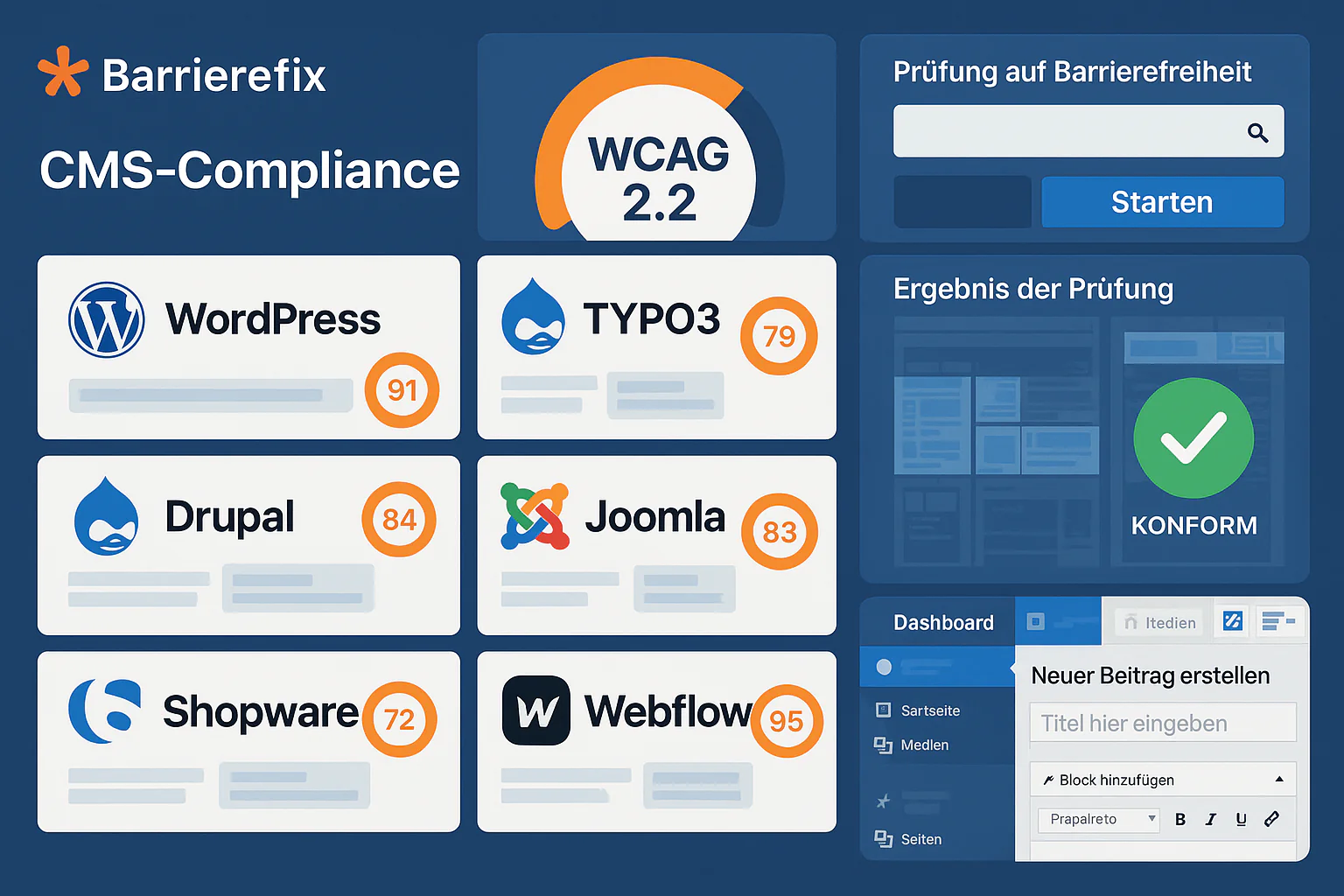
Web Accessibility for All CMS Systems: The Practical Guide
Complete CMS accessibility comparison 2025: WordPress, TYPO3, Drupal, Joomla, Contao. WCAG compliance, costs, plugin ecosystem and BFSG readiness for German companies.
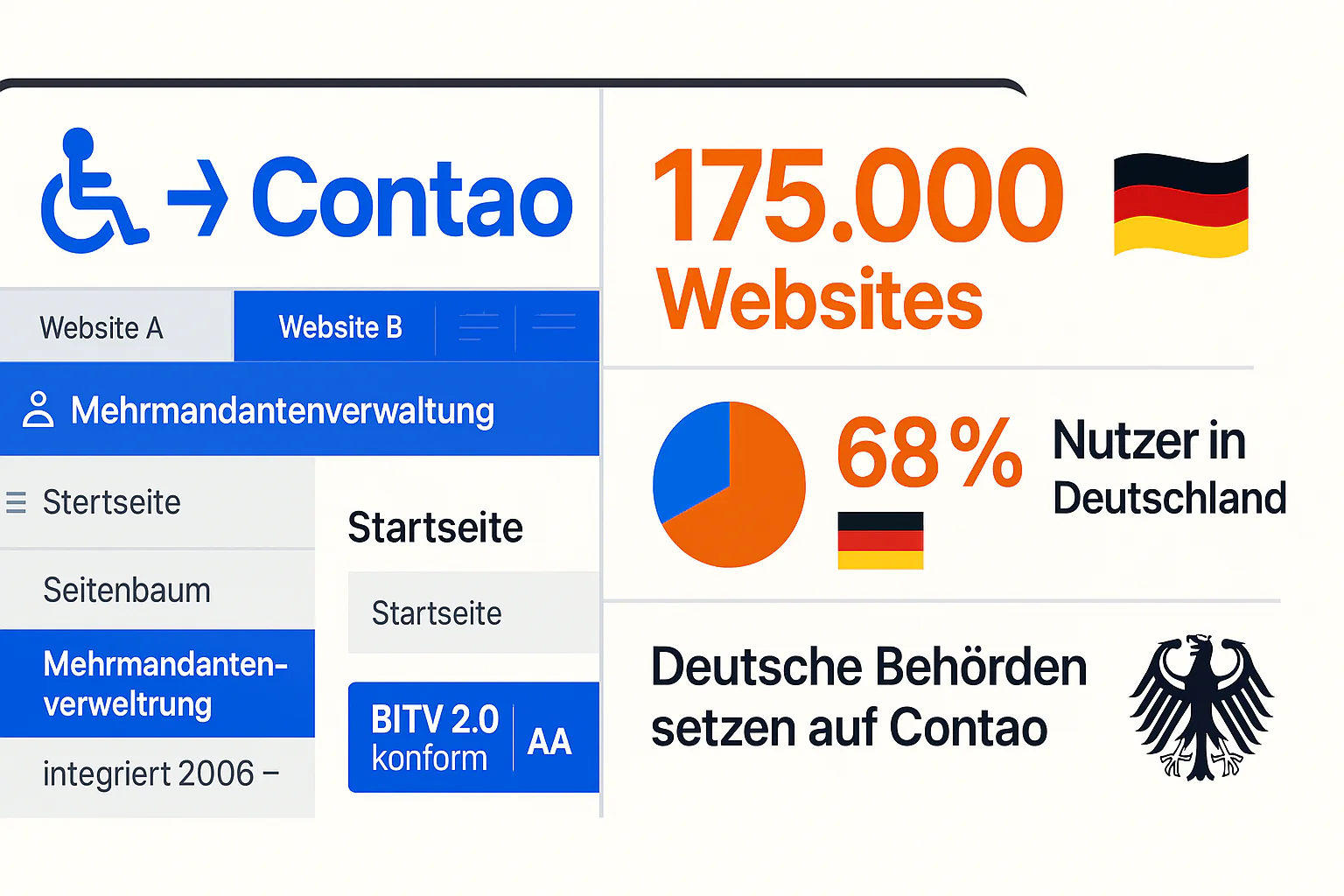
Contao CMS BITV Compliance: German Market Leader
Contao CMS Accessibility Guide 2025: Native BITV 2.0 Compliance, German Extensions, Multi-Site Management - 175,000 Websites worldwide.
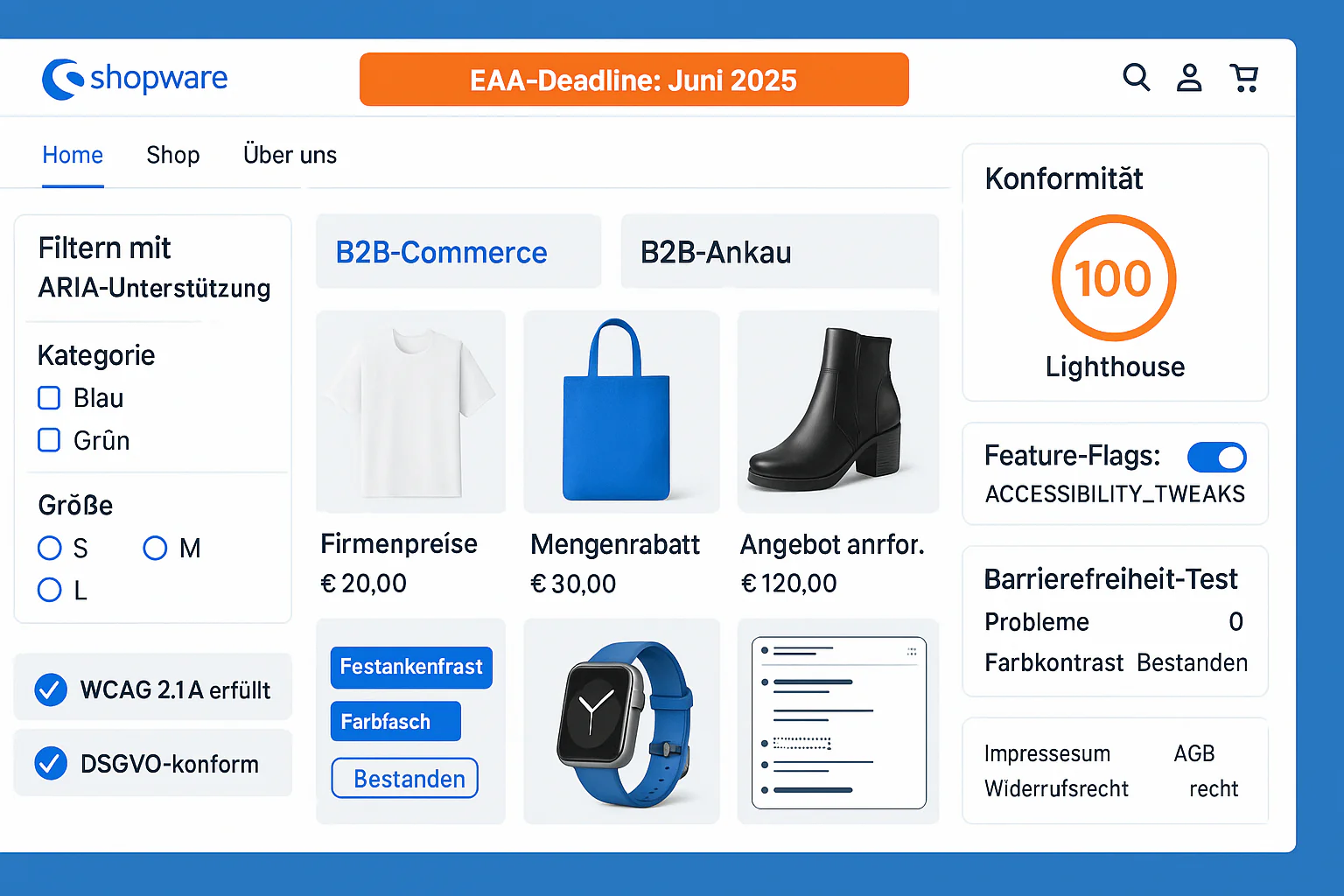
Shopware 6 Accessibility: EAA Compliance Guide for E-Commerce
Shopware 6.7 Accessibility Guide 2025: Built-in WCAG 2.1 Features, EAA Compliance, B2B Features - Achieving Perfect 100/100 Lighthouse Score.