EN 301 549 for Websites: The 50 Most Important Requirements
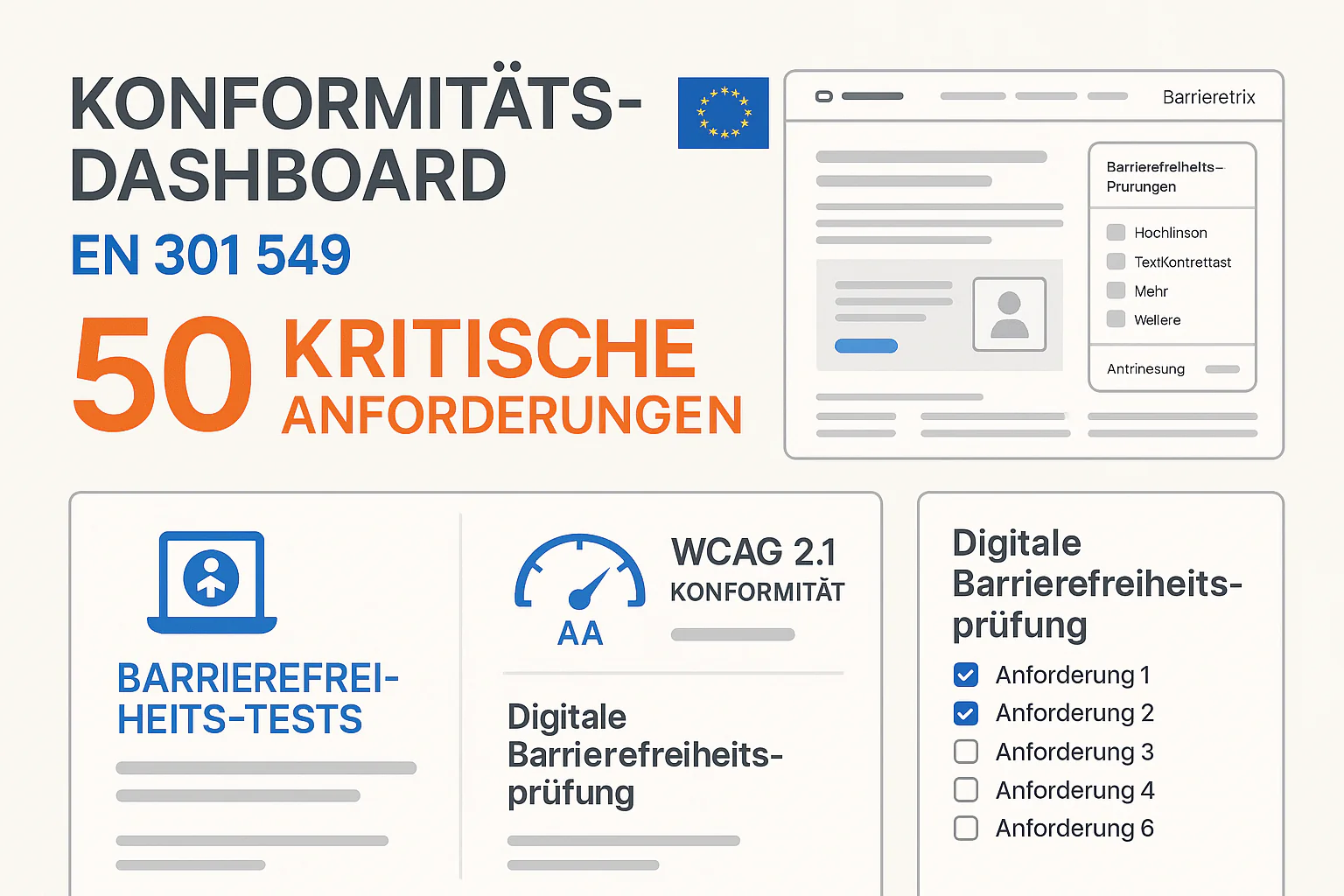
EN 301 549 is the European standard for digital accessibility and the technical foundation of BFSG (German implementation of EAA). While the standard fully integrates WCAG 2.1 Level AA, it goes beyond in important areas. This detailed analysis shows you the 50 most critical requirements for websites and how to implement them practically[1][2].
EN 301 549 = WCAG 2.1 Plus
EN 301 549 Overview: More than just WCAG
The Structure of EN 301 549:
- Chapter 9: Web content (= WCAG 2.1 Level A/AA)
- Chapter 10: Non-web documents (PDFs, Office files)
- Chapter 11: Software and mobile apps
- Chapter 12: Documentation and support
- Chapter 13: ICT with video communication
- Chapter 5: Hardware and biometric systems
For websites, Chapter 9 is primarily relevant, which fully adopts WCAG 2.1 and supplements it with special EU requirements[3].
The 50 Most Critical EN 301 549 Requirements for Websites
1. Principle: Perceivable - 13 Criteria
1.1 Text Alternatives
1.1.1 Non-text Content (Level A)
- All images need alt texts
- Decorative images:
alt=""(empty alt text) - Complex graphics: Longer descriptions
- Practical tip: Alt text should describe purpose and content, not appearance
Implementation:
<!-- Functional image -->
<img src="search.webp" alt="Search">

<!-- Decorative image -->
<img src="decoration.webp" alt="">

<!-- Complex graphic -->
<img src="chart.webp" alt="Sales figures Q4 2024" longdesc="chart-description.html">
1.2 Time-based Media
1.2.1 Audio-only and Video-only (Level A)
- Audio-only: Complete transcripts
- Video-only: Audio description or transcript
- Practical tip: Transcripts should be available on the same page
1.2.2 Captions (Prerecorded) (Level A)
- All videos need synchronized captions
- Not just spoken text, also sounds
- Format: WebVTT or SRT files
1.2.3 Audio Description or Media Alternative (Level A)
- Videos need audio description for visual content
- Alternative: Complete transcript with descriptions
1.3 Adaptable
1.3.1 Info and Relationships (Level A)
- Use semantic HTML structure
- Hierarchical headings (h1 → h2 → h3)
- Mark up lists, tables, and forms correctly
<!-- Correct structure -->
<h1>Main Heading</h1>
<h2>Subheading</h2>
<ul>
  <li>List item 1</li>
  <li>List item 2</li>
</ul>

<!-- Wrong -->
<div className="heading">Main Heading</div>
<div className="subheading">Subheading</div>
1.3.2 Meaningful Sequence (Level A)
- Logical tab order
- Content must be understandable without CSS
- Test: Disable CSS and check
1.3.3 Sensory Characteristics (Level A)
- Not just "Click the red button"
- Not just "Left in the menu"
- Correct: "Click the red Submit button" or "Left in the main navigation menu"
1.4 Distinguishable
1.4.1 Use of Color (Level A)
- Color never as the only distinguishing feature
- Additional indicators: Icons, text, patterns
- Example: Don't just color error fields red, also mark with icon
1.4.2 Audio Control (Level A)
- Audio longer than 3 seconds must be controllable
- Avoid automatically playing sounds
- Implementation: Provide play/pause buttons
1.4.3 Contrast (Minimum) (Level AA)
- Normal text: At least 4.5:1 contrast ratio
- Large text (18pt+): At least 3:1
- Test tools: WebAIM Contrast Checker, Colour Contrast Analyser
1.4.4 Images of Text (Level AA)
- Implement text as actual text, not as image
- Exceptions: Logos, decorative elements
- Advantage: SEO + Accessibility
1.4.5 Resize Text (Level AA)
- Text must be enlargeable to 200% without loss of function
- Responsive design is critical here
- Test: Test browser zoom at 200%
2. Principle: Operable - 20 Criteria
2.1 Keyboard Accessible
2.1.1 Keyboard (Level A)
- All functions accessible via keyboard
- Tab, Enter, Arrow keys, Escape must work
- No "mouse-only" areas
2.1.2 No Keyboard Trap (Level A)
- Users must not be "trapped" in areas
- Escape routes for all interactive elements
- Modal dialogs: ESC to close
2.1.4 Character Key Shortcuts (Level A, WCAG 2.1 new)
- Single-character shortcuts can be turned off or changed
- Problem: Accidental activation by voice recognition software
2.2 Enough Time
2.2.1 Timing Adjustable (Level A)
- Warning before timeout (at least 20 seconds before)
- Extension possible (at least 10x)
- Alternative: Turn off time limit
2.2.2 Pause, Stop, Hide (Level A)
- Auto-playing content (>5 sec) controllable
- Sliders, carousels: Pause button required
- Blinking elements: Stop function
2.3 Seizures
2.3.1 Three Flashes or Below Threshold (Level A)
- Maximum 3 flashes per second
- Critical: Animations, transitions, videos
- Test: Photosensitive Epilepsy Analysis Tool (PEAT)
2.4 Navigable
2.4.1 Bypass Blocks (Level A)
- Skip links for main content, navigation, footer
- Implementation: Invisible, but accessible via Tab
<a href="#main-content" className="skip-link">Skip to main content</a>
<nav>...</nav>
<main id="main-content">...</main>
2.4.2 Page Titled (Level A)
- Unique, descriptive titles for each page
- Format: "Page name - Website name"
- Dynamic: In SPAs, change title on navigation
2.4.3 Focus Order (Level A)
- Logical tab order: Left to right, top to bottom
- Avoid exceptions: Avoid tabindex values > 0
2.4.4 Link Purpose (In Context) (Level A)
- Avoid "Click here"
- Better alternative: "Learn more about our services"
- Contextual links supplement with aria-label
2.4.5 Multiple Ways (Level AA)
- At least 2 ways to each page: Navigation + sitemap/search
- Breadcrumbs for deep hierarchies
2.4.6 Headings and Labels (Level AA)
- Descriptive headings for all sections
- Labels for all form fields
- Not: "Input field 1", but "Email address"
2.4.7 Focus Visible (Level AA)
- Visible focus indicators for all interactive elements
- At least: 2px border, clear contrast
- Never: outline: none without alternative
2.5 Input Modalities (WCAG 2.1 new)
2.5.1 Pointer Gestures (Level A)
- Alternative for complex gestures (pinch, swipe etc.)
- Simple clicks/taps must suffice
2.5.2 Pointer Cancellation (Level A)
- Action only on mouseup/touchend, not on mousedown
- Abort possible: Move mouse/finger away before releasing
2.5.3 Label in Name (Level A)
- Accessible name must contain visible text
- Button with "Submit" → aria-label can't just be "Send"
2.5.4 Motion Actuation (Level A)
- Alternative to motion/shake gestures
- Deactivatable: For users with motor impairments
3. Principle: Understandable - 12 Criteria
3.1 Readable
3.1.1 Language of Page (Level A)
- HTML lang attribute set correctly
<html lang="en">for English content
3.1.2 Language of Parts (Level AA)
- Mark language changes:
<span lang="de">Hallo Welt</span> - Important for multilingual content
3.2 Predictable
3.2.1 On Focus (Level A)
- No context change just by focusing
- Example: Dropdown doesn't open automatically on Tab
3.2.2 On Input (Level A)
- Context change only after explicit user action
- Select boxes: Don't submit automatically
3.2.3 Consistent Navigation (Level AA)
- Navigation in same order on all pages
- Consistent labels and designations
3.2.4 Consistent Identification (Level AA)
- Same functions have same designations
- "Search" button named the same everywhere
3.3 Input Assistance
3.3.1 Error Identification (Level A)
- Automatic error identification on form submit
- Error messages in text form, not just colored
3.3.2 Labels or Instructions (Level A)
- Every input field needs a label
- Required fields marked as such
- Format requirements explained ("DD.MM.YYYY")
<label htmlFor="email">Email address (required)</label>
<input type="email" id="email" required aria-describedby="email-help">
<div id="email-help">Format: name@example.com</div>
3.3.3 Error Suggestion (Level AA)
- Correction suggestions for detected errors
- Confirmation before irreversible actions (deletion, purchase)
3.3.4 Error Prevention (Legal) (Level AA)
- Review + correction before legally binding actions
- Reversal option within reasonable time
4. Principle: Robust - 5 Criteria
4.1 Compatible
4.1.1 Parsing (Level A)
- Valid HTML: No syntax errors, unique IDs
- Use W3C Markup Validator
4.1.2 Name, Role, Value (Level A)
- Programmatically determinable elements and states
- ARIA labels for custom components
- Example:
<div role="button" aria-pressed="false">Toggle</div>
4.1.3 Status Messages (Level AA, WCAG 2.1 new)
- Important status changes available for screen readers
- aria-live, aria-atomic for dynamic content
<div id="status" aria-live="polite"></div>
<script>
// Set status message
document.getElementById('status').textContent = 'Item added to cart';
</script>
EN 301 549 vs. WCAG: Important Differences
EN 301 549 is "WCAG Plus" - it contains all WCAG criteria, but supplements them with EU-specific requirements for biometrics, document accessibility, and hardware integration.
EN 301 549 Additional Requirements Beyond WCAG
Document Accessibility (Chapter 10)
Affects: PDF downloads, Office documents on your website
Requirements:
- Structured PDFs: Headings, lists, tables semantic
- Alt texts for images in PDFs
- Reading order defined and correct
- Form fields in PDFs labeled
Practical Implementation:
<!-- PDF link with warning -->
<a href="document.pdf" aria-describedby="pdf-info">
  Download brochure
</a>
<span id="pdf-info">(PDF, 2MB, accessible)</span>
Biometric Systems (Chapter 5)
Affects: Login systems with Face ID, fingerprint, etc.
Requirements:
- Alternative authentication without biometrics
- Equivalent security with alternatives
- Opt-out possible: Users can disable biometrics
Video Telephony Integration (Chapter 13)
Affects: WebRTC, Zoom integration, video chat
Requirements:
- Text alternatives to video communication
- Caption functions built-in
- Audio quality optimized for hearing aids
Compliance Checklist: Your 50-Point Check
Immediately testable (automated):
- Alt texts: All
<img>have alt attributes - Headings: Hierarchical h1-h6 structure
- HTML validity: No syntax errors
- Color contrasts: At least 4.5:1 for normal text
- Focus indicators: Visible during tab navigation
- Labels: All form fields have labels
- Language: html lang attribute set
- Title: Each page has unique title
Tools for automated testing:
- axe-core: Browser extension or JavaScript library
- WAVE: Web Accessibility Evaluation Tool
- Pa11y: Command-line tool for CI/CD integration
Manual testing required:
- Keyboard navigation: All functions accessible
- Skip links: Work and make sense
- Alt text quality: Descriptions are meaningful
- Heading logic: Structure makes sense content-wise
- Link texts: Purpose recognizable in context
- Error messages: Understandable and helpful
- Time limits: Reasonable or deactivatable
- Moving content: Controls available
Expert testing recommended:
- Screen reader tests: NVDA, JAWS, VoiceOver
- Voice control tests: Dragon NaturallySpeaking
- Switch navigation: For motor-impaired users
- Cognitive load: Understandability for people with learning difficulties
🎯 Priority Matrix: Where to Start?
Quick wins (1-2 weeks): Alt texts, headings, color contrasts
Medium effort (4-6 weeks): Keyboard navigation, forms, skip links
Complex (8-12 weeks): ARIA integration, dynamic content, PDF accessibility
Avoid Common Implementation Errors
Top 10 Most Common EN 301 549 Violations:
- Alt texts missing or poor (85% of websites)
- Color contrasts too low (78% of websites)
- No keyboard navigation (71% of websites)
- Heading hierarchy wrong (68% of websites)
- Forms without labels (62% of websites)
- Skip links missing (59% of websites)
- Focus indicators invisible (54% of websites)
- Links without meaningful text (51% of websites)
- Time limits without control (43% of websites)
- Status messages unavailable (38% of websites)
Avoid Anti-Patterns:
❌ Wrong:
<div className="heading">Heading</div>
<span onclick="submit()">Click here</span>
<input type="text"> <!-- Without label -->
<img src="photo.jpg"> <!-- Without alt -->
✅ Correct:
<h2>Heading</h2>
<button type="submit">Submit form</button>
<label htmlFor="name">Name:</label>
<input type="text" id="name">
<img src="photo.jpg" alt="Product photo: Red T-shirt">
Testing Strategy for EN 301 549 Compliance
3-Tier Testing Pyramid:
Tier 1: Automated Testing (80% of checks)
- Daily: axe-core in CI/CD pipeline
- Weekly: WAVE tool over complete website
- Monthly: Pa11y scans for regression tests
Tier 2: Manual Expert Review (15% of checks)
- Quarterly: Accessibility expert checks critical user flows
- Focus: Complex interactions, ARIA implementations
- Deliverable: Detailed report with priorities
Tier 3: User Testing (5% of checks)
- Semi-annually: Tests with actual users with disabilities
- Different user groups: Blind, visually impaired, motor-impaired
- Outcome: Qualitative insights and usability improvements
EN 301 549 Conformity Declaration
After successful implementation, you must publish a conformity declaration:
Mandatory Content of Declaration:
- Scope: Which parts of your website are compliant
- Standards: "EN 301 549 v3.2.1 (corresponds to WCAG 2.1 Level AA)"
- Test methods: Automated + Manual + User Testing
- Known issues: Barriers not yet resolved
- Contact: Contact person for accessibility feedback
- Feedback procedure: How users can report barriers
Example Template:
Accessibility Conformity Declaration

This website complies with the requirements of EN 301 549 v3.2.1,
which integrates WCAG 2.1 Level AA standards.

Last review: [Date]
Next review: [Date + 6 months]

Contact for accessibility questions:
accessible@[your-company].com
Frequently Asked Questions About EN 301 549
What's the difference between EN 301 549 and WCAG 2.1?
EN 301 549 contains all WCAG 2.1 Level A/AA criteria, but supplements them with EU-specific requirements for biometrics, documents, and hardware integration.
Do I need to implement WCAG 2.2 for BFSG compliance?
No, BFSG explicitly references EN 301 549, which is based on WCAG 2.1. WCAG 2.2 is recommended, but not mandatory.
Are PDF downloads on my website affected?
Yes, all downloadable documents must be accessible according to Chapter 10 of EN 301 549.
How often must I test my website against EN 301 549?
Automated tests daily, manual expert reviews quarterly, user tests semi-annually.
Can I become EN 301 549 compliant with an overlay tool?
No, overlay tools can only fulfill a fraction of requirements and often create new barriers.
What about dynamic content (SPAs, AJAX)?
These must be implemented especially carefully with aria-live regions for status updates and correct focus management.
Does EN 301 549 also apply to mobile apps?
Yes, Chapter 11 of EN 301 549 covers software and apps. Native apps have partially different requirements than websites.
How do I document my EN 301 549 compliance?
With a public conformity declaration, regular test reports, and a feedback procedure for users.
Conclusion: See EN 301 549 as an Opportunity
EN 301 549 is more than a regulatory obstacle - it's a framework for inclusive user experience that helps you tap into new audiences and improve your website for all users.
The 50 most important requirements may initially seem overwhelming, but with systematic approach and the right tools, EN 301 549 compliance is achievable in 8-12 weeks.
Related Articles:
Free audit of your website
Let us check your website for accessibility – free and non-binding
Topics:
BFSG-ClusterVertiefen Sie Ihr Wissen
Weitere Artikel
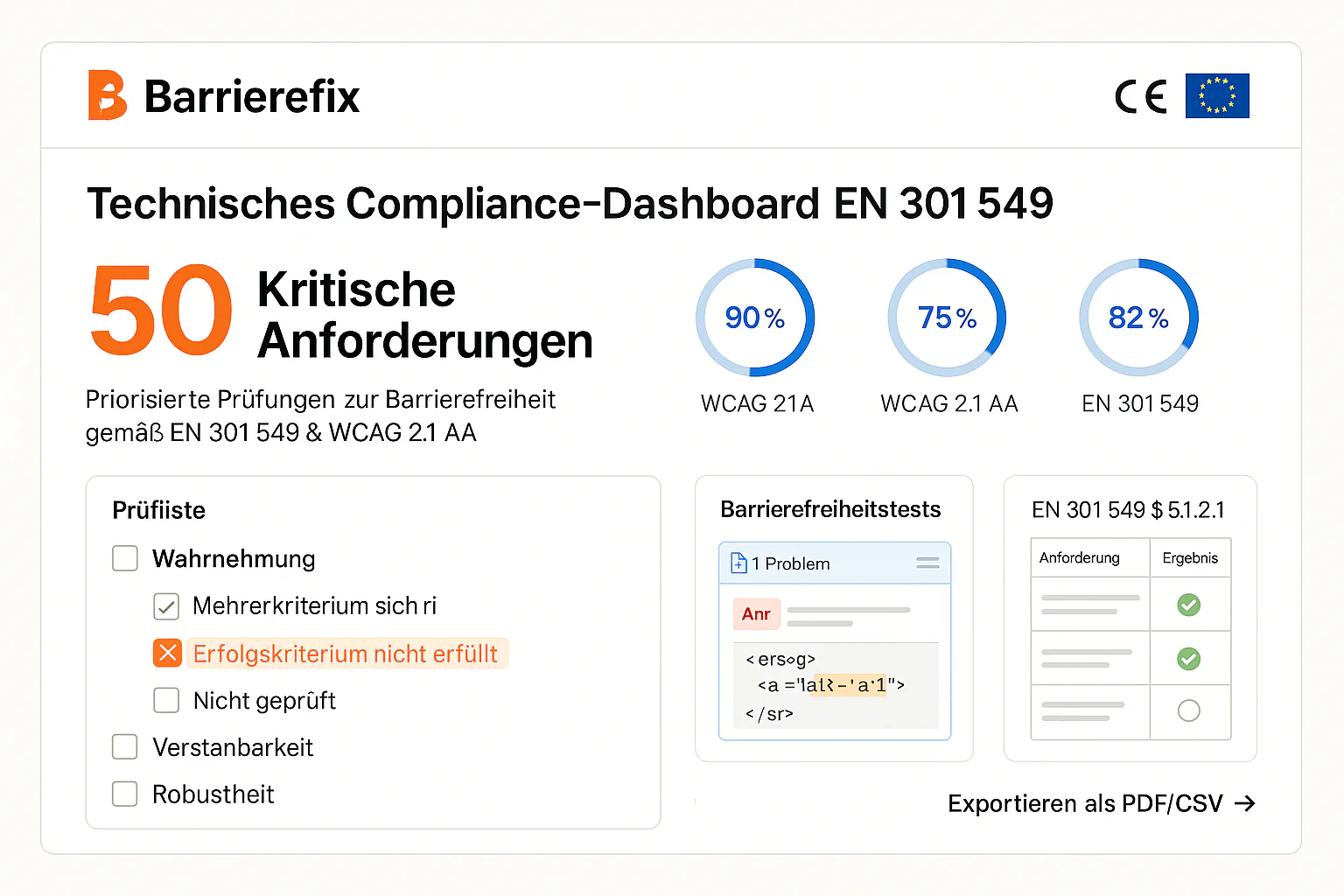
European Accessibility Act 2025: The Ultimate SME Compliance Guide
Complete EAA guide for small and medium enterprises. Who's affected, what penalties apply, and how to become compliant by June 28, 2025.
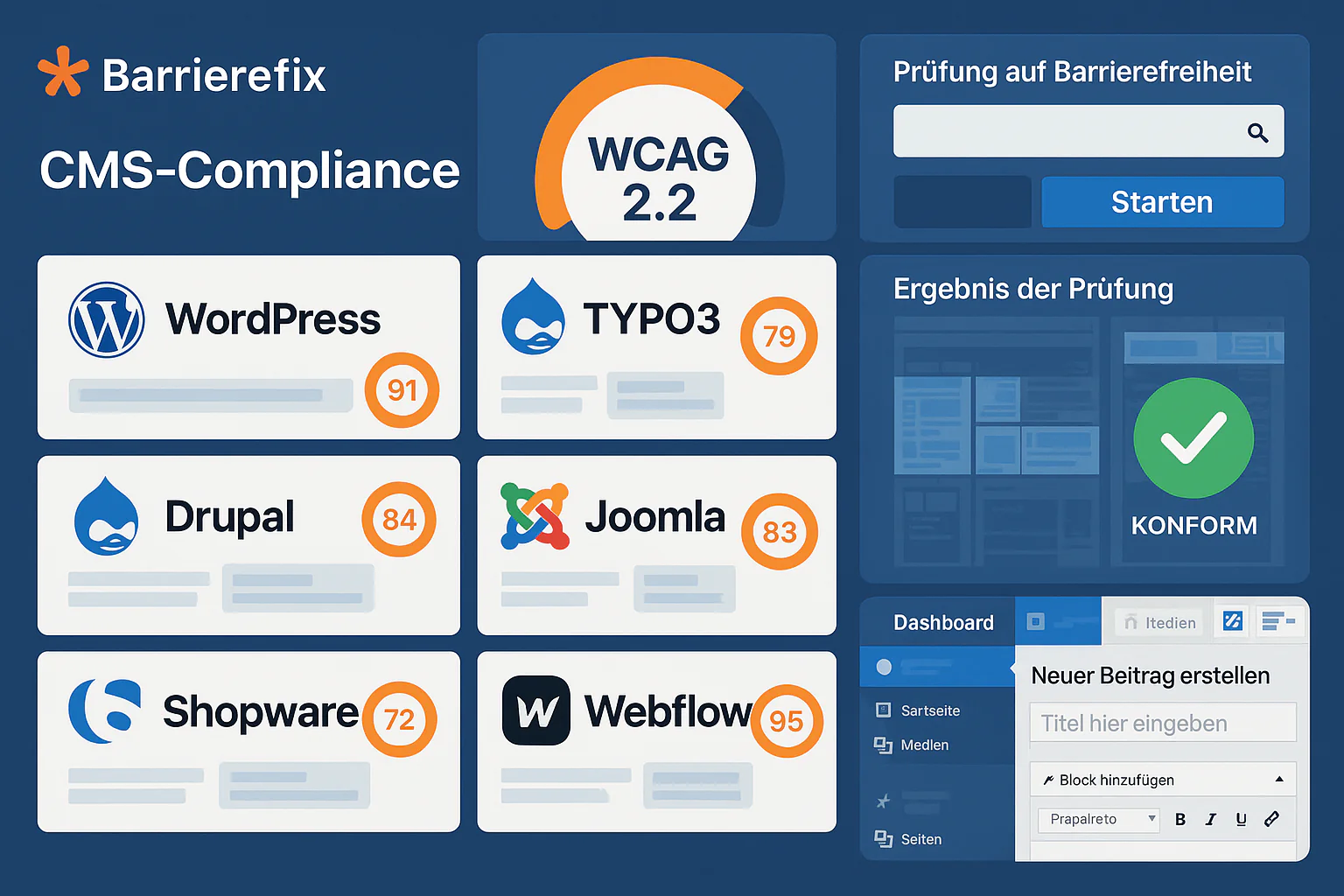
Web Accessibility for All CMS Systems: The Practical Guide
Complete CMS accessibility comparison 2025: WordPress, TYPO3, Drupal, Joomla, Contao. WCAG compliance, costs, plugin ecosystem and BFSG readiness for German companies.
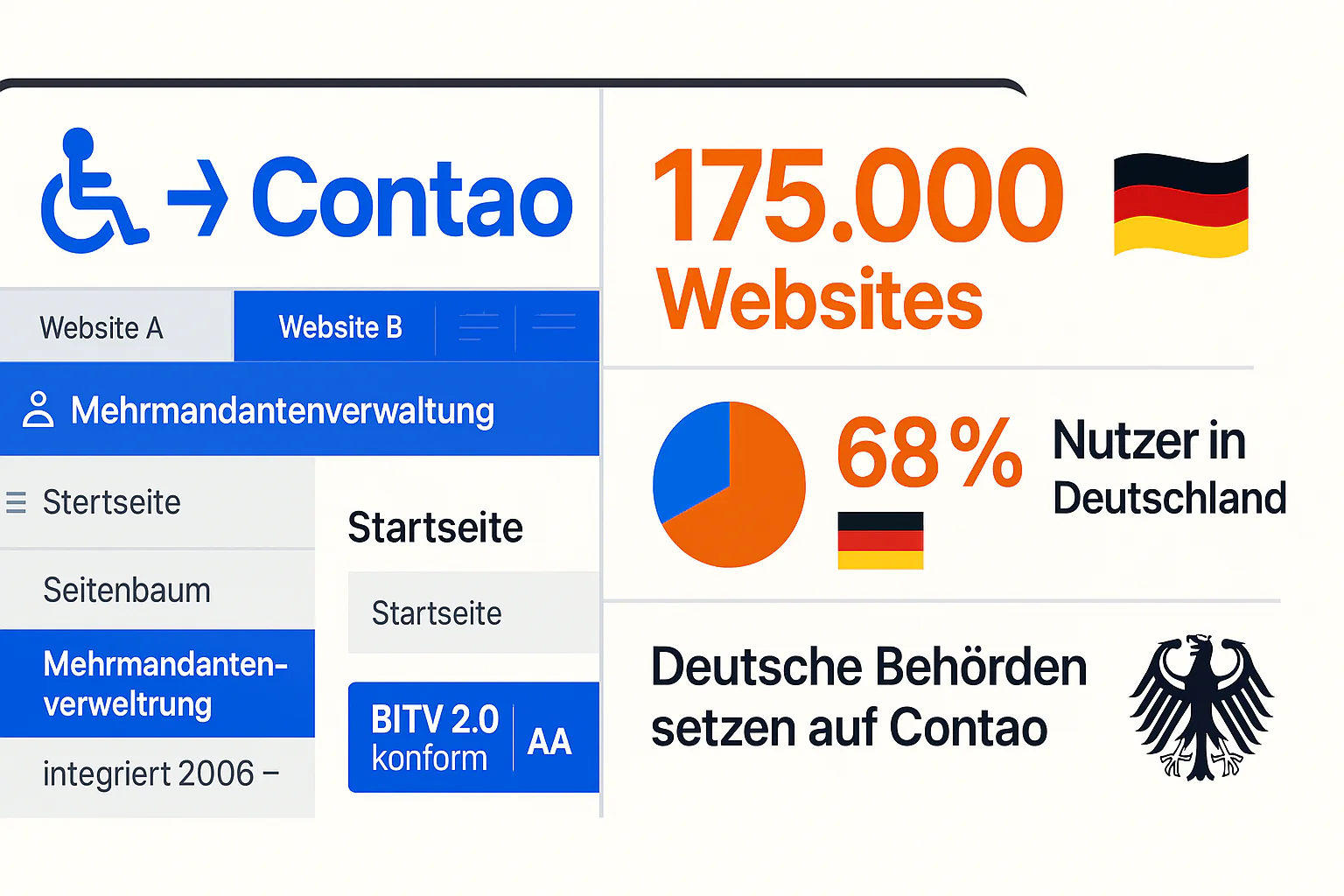
Contao CMS BITV Compliance: German Market Leader
Contao CMS Accessibility Guide 2025: Native BITV 2.0 Compliance, German Extensions, Multi-Site Management - 175,000 Websites worldwide.