E-Commerce & EAA 2026: Complete Accessibility Requirements for Online Shops
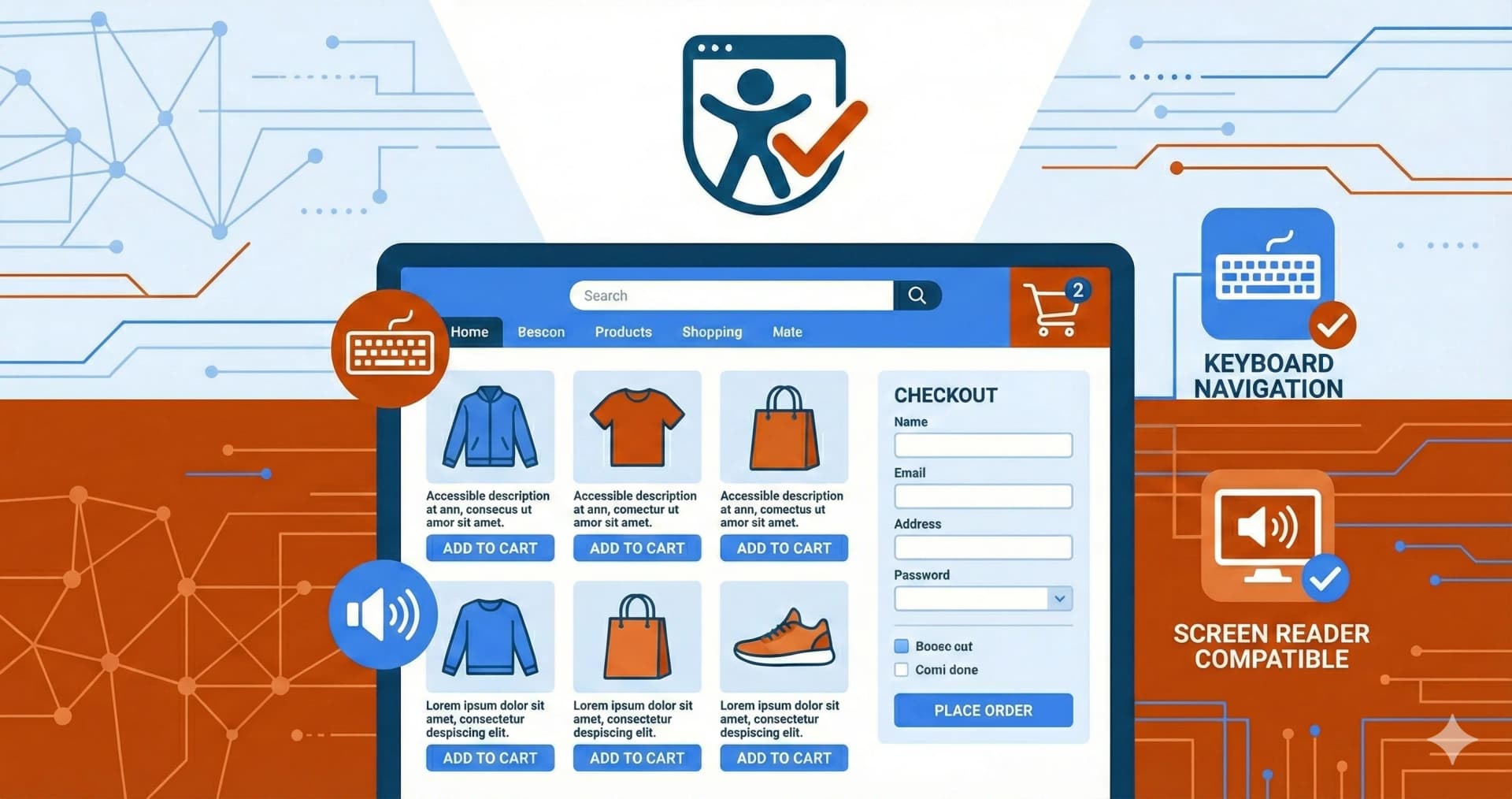
Online shops are particularly affected by the European Accessibility Act (EAA): The entire purchasing process – from product search to order confirmation – must be accessible. Since June 28, 2025, the EAA and its national implementations (like Germany's BFSG) apply to nearly all B2C webshops in the EU[1]. Violations can result in fines up to €100,000 and lawsuits from competitors. This guide shows exactly what you need to implement.
Key Points for Shop Owners
- EAA has been in effect since June 28, 2025 for all B2C online shops in the EU
- Exception: Microenterprises (under 10 employees AND under €2 million revenue)
- Standard: WCAG 2.1 Level AA / EN 301 549
- Complete purchase process must be accessible: Search → Product → Cart → Checkout
- Penalties: Up to €100,000 + competitor lawsuits possible
Is My Online Shop Affected?
The EAA Applies to Your Shop If:
- You sell products or services to consumers (B2C)
- You have more than 10 employees OR
- Your annual revenue exceeds €2 million OR
- Your balance sheet total exceeds €2 million[2]
Exceptions:
| Criterion | Exempt? |
|---|---|
| Microenterprise (under 10 employees + under €2M) | ✅ Yes |
| Pure B2B shops | ✅ Yes |
| B2C shops above threshold | ❌ No |
| International shops with EU customers | ❌ No |
Note: EAA Applies EU-Wide
The European Accessibility Act is implemented through national laws in each EU member state (e.g., BFSG in Germany, GUDA in Ireland). If you sell in multiple EU countries, the respective national implementations apply – with similar requirements[3].
EAA Requirements in Detail
According to the EAA, your online shop must be "findable, accessible, and usable" for people with disabilities – without external assistance and in the commonly expected manner[4].
The technical standard is WCAG 2.1 Level AA or the European standard EN 301 549.
The 4 WCAG Principles for E-Commerce:
| Principle | Meaning for Online Shops |
|---|---|
| Perceivable | Product images with alt text, sufficient contrast, scalable fonts |
| Operable | Keyboard navigation, no time limits, clear focus indicators |
| Understandable | Clear error messages, consistent navigation, comprehensible text |
| Robust | Compatible with screen readers and other assistive technologies |
Get Your Shop Accessibility Checked
We analyze your online shop for EAA compliance
Free Initial ConsultationShop Areas in Focus: What Must Be Accessible?
1. Product Pages
Product pages are often the least optimized pages – yet they're critical for the purchase process[5].
Requirements:
| Element | WCAG Requirement | Implementation |
|---|---|---|
| Product images | Alt text required | Descriptive text: color, material, details |
| Image gallery | Keyboard operable | Zoom and navigation via arrow keys |
| Color selection | Not visual only | Text labels in addition to color swatches |
| Size selection | Programmatically linked | Labels recognizable for screen readers |
| Price/discount | Screen reader readable | Structured price information |
| Availability | Clear status message | Not signaled by color alone |
Common Mistakes:
- 54.5% of e-commerce sites have missing alt texts[6]
- Color selection using only color swatches without text
- Zoom function not operable via keyboard
2. Shopping Cart
The shopping cart is critical – if it's not accessible, the entire purchase process breaks down[7].
Requirements:
| Function | WCAG Criterion | Implementation |
|---|---|---|
| Quantity change | 2.1.1 Keyboard | Plus/minus operable via keyboard |
| Remove item | 2.1.1 Keyboard | Delete button focusable |
| Update | 4.1.3 Status messages | aria-live region for updates |
| Total price | 1.3.1 Info and relationships | Structured and readable |
| Proceed to checkout | 2.4.7 Focus visible | Clear visual focus |
Code Example for Cart Updates:
<div aria-live="polite" aria-atomic="true">
  Cart updated: 3 items, total €89.97
</div>
3. Checkout Process
The checkout is explicitly mentioned in the EAA and must be fully accessible – 69% of shops have problems here[8].
Step-by-Step Requirements:
| Checkout Step | Requirements |
|---|---|
| Progress indicator | Clearly communicated (Step 2 of 4) |
| Address form | All fields with labels, error messages on input |
| Delivery options | Radio buttons correctly labeled |
| Payment selection | Keyboard navigation between options |
| Credit card form | Identify errors and suggest corrections |
| Review order | All info readable for screen readers |
| Confirmation | Clear success message |
Critical Form Requirements:
<!-- Correct: Label linked -->
<label for="email">Email Address *</label>
<input type="email" id="email" name="email" required
       aria-describedby="email-error">
<span id="email-error" role="alert" aria-live="polite">
  Please enter a valid email address
</span>

<!-- Wrong: No label -->
<input type="email" placeholder="Email">
Most Common Checkout Barriers
- 64%: Keyboard traps in modals (e.g., address selection)
- 54%: Insufficient color contrast
- 48%: Error messages visual only (red border)
- 48.6%: Missing form labels
4. Search and Filters
| Function | Requirement |
|---|---|
| Search field | Correctly labeled, suggestions selectable via keyboard |
| Filters | All filters operable via keyboard |
| Results | Count communicated when filtering |
| Sorting | Dropdown accessible |
5. User Accounts
| Function | Requirement |
|---|---|
| Login | Form accessible, password visibility toggle |
| Registration | Clear requirements, understandable error messages |
| Order history | Tabular and screen reader compatible |
| Address management | Edit/delete via keyboard |
Checking Third-Party Components
Many barriers arise from external services[9]:
| Component | Typical Problems | Solution |
|---|---|---|
| Payment providers | Iframe not accessible | Request ACR (Accessibility Conformance Report) |
| Chat widgets | Keyboard trap | Offer alternatives (email, phone) |
| Review plugins | No screen reader support | Choose accessible alternative |
| Recommendation engine | Carousel not operable | Alternative presentation |
| Cookie banner | Cannot close via keyboard | Use WCAG-compliant plugin |
Important: You are responsible for your shop's accessibility – including third-party components!
Accessibility Statement for Online Shops
Every online shop must publish an accessibility statement[10].
Required content:
- Conformance status (fully / partially / not compliant)
- Known limitations with justification
- Feedback option and contact details
- Date of last review
- Standard used (WCAG 2.1 AA)
Placement: Easily findable, e.g., in footer next to legal notice and privacy policy.
EAA Checklist for Online Shops
✅ E-Commerce EAA Checklist
Product Pages:
- All product images have descriptive alt texts
- Color selection has text labels (not just color swatches)
- Size selection is screen reader compatible
- Zoom function operable via keyboard
Shopping Cart:
- Quantity change possible via keyboard
- Cart updates announced via aria-live
- Remove items possible via keyboard
Checkout:
- All form fields have linked labels
- Error messages specifically identify the problem
- Entire checkout completable via keyboard
- No timeout or sufficient time (+ warning)
- Progress indicator readable for screen readers
General:
- Color contrast at least 4.5:1 for text
- Focus indicator clearly visible
- Accessibility statement published
- Feedback mechanism established
Shop Systems and EAA Compliance
| Shop System | EAA Compliance | Notes |
|---|---|---|
| Shopify | ⚠️ Partial | Themes vary greatly, many customizations needed |
| WooCommerce | ⚠️ Partial | Depends on theme and plugins |
| Shopware 6 | ⚠️ Partial | Standard theme has gaps |
| Magento | ⚠️ Partial | Enterprise better than Community |
| BigCommerce | ⚠️ Partial | Some accessibility features built-in |
Conclusion: No standard shop system is EAA-compliant out of the box. Customizations and testing are always required.
Frequently Asked Questions
Does my small Etsy/Amazon shop also need to be EAA-compliant?
If you sell on marketplaces like Amazon or Etsy, the marketplace is primarily responsible for accessibility. However, your own product descriptions should still be formulated accessibly (clear language, structured information).
What about B2B shops that also sell to consumers?
As soon as you direct even part of your offering to consumers (B2C), the EAA applies to that part. The cleanest solution: Make the entire shop accessible.
Is there a transition period?
The EAA has been in effect since June 28, 2025. For certain service contracts concluded before this date, a transition period applies until June 27, 2030[11].
What happens if I violate the requirements?
- Fines up to €100,000
- Competitor lawsuits
- Sales bans in severe cases
- Injunctions from consumer protection organizations
How expensive is the conversion?
Costs depend on current status:
- Audit: €4,000 - €15,000 (depending on shop size)
- Implementation: €5,000 - €30,000 (depending on extent of issues)
- Ongoing monitoring: €1,000 - €3,000/year
Conclusion: Accessibility as Competitive Advantage
The EAA requirements for online shops are extensive but manageable. And they're not just a legal obligation – they're an opportunity:
- Larger target audience: 15% of the population has a disability
- Better SEO: Accessible shops rank better
- Higher conversion: Clear forms and good UX increase completions
- Legal security: Protection against lawsuits and fines
Start now: The sooner you check and adapt your shop for EAA compliance, the better.
Related Articles:
Free audit of your website
Let us check your website for accessibility – free and non-binding
Topics:
Weitere Artikel
Shopware 6 Accessibility: EAA Compliance Guide for E-Commerce
Shopware 6.7 Accessibility Guide 2025: Built-in WCAG 2.1 Features, EAA Compliance, B2B Features - Achieving Perfect 100/100 Lighthouse Score.
WordPress Accessible Product Page: WooCommerce WCAG Guide
WooCommerce 10.0 WCAG 2.2 Compliance Guide 2025: Themes, Plugins, Checkout, Payment Gateways - Properly Configuring 140+ Accessibility Features.
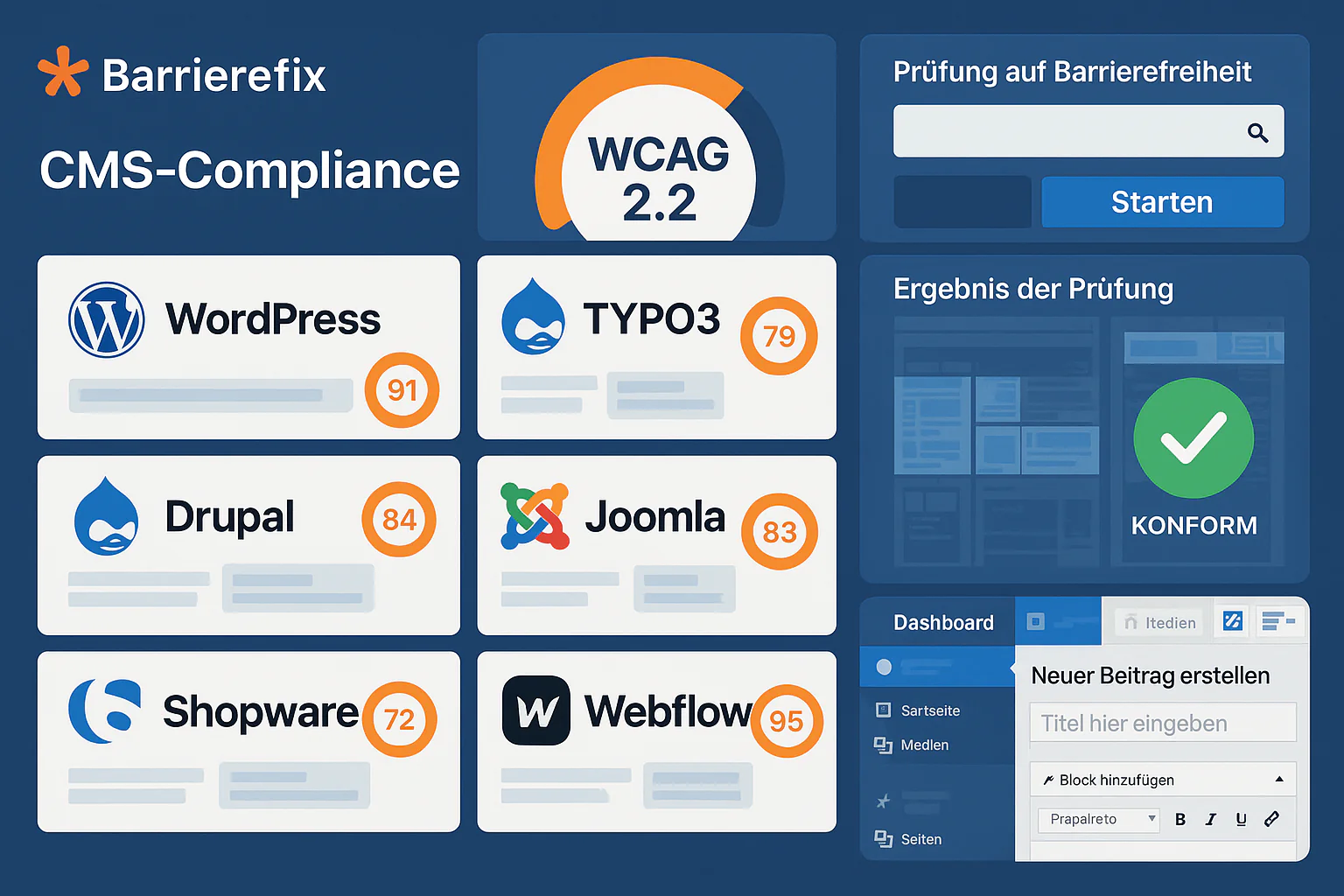
Web Accessibility for All CMS Systems: The Practical Guide
Complete CMS accessibility comparison 2025: WordPress, TYPO3, Drupal, Joomla, Contao. WCAG compliance, costs, plugin ecosystem and BFSG readiness for German companies.