WCAG 2.2 Web Accessibility: 5 Changes Your Corporate Site Needs Now

Digital accessibility is no longer a nice-to-have, but a business-critical requirement. With the publication of WCAG 2.2 in October 2023, the standards for accessible web content have evolved and bring new requirements that companies should implement promptly[1][2][3]. These new guidelines are not only legally relevant, but also open up significant business opportunities by tapping into new target audiences.
What Makes WCAG 2.2 the New Standard for Businesses?
The Web Content Accessibility Guidelines 2.2 represent a significant evolution of the internationally recognized accessibility standards. Unlike previous updates, WCAG 2.2 focuses specifically on three critical areas: the needs of people with cognitive disabilities, improved accessibility for users with visual impairments, and optimized usability on mobile devices[3][4][5].
This focus is no coincidence. Current studies show that over 61 million adults in the US live with a disability – that's one in four adults[6]. Worldwide, this number reaches over one billion people. For companies, this means enormous untapped market potential that can be unlocked through accessible websites.
The legal framework reinforces this necessity. With BFSG (German implementation of EAA), which has been in effect in Germany since June 2025, and the European Accessibility Act at EU level, companies are required to make their digital offerings accessible[7][8][9]. EN 301 549, the European standard for digital accessibility, will likely reference WCAG 2.2 in its next version, legally anchoring the new standards[10].
The Five Most Important Changes for Corporate Websites
1. Focus Visibility: Keyboard Navigation Without Hide-and-Seek
One of the most fundamental innovations concerns the visibility of keyboard focus. The new Success Criterion 2.4.11 "Focus Not Obscured (Minimum)" at conformance level AA ensures that focused elements may never be completely obscured by other content[1][2][11].
This requirement is particularly relevant for modern corporate websites that frequently work with fixed headers, cookie banners, or chat widgets. When a user navigates through the website via keyboard and a link or button receives focus, it must remain at least partially visible. Practically, this means developers must be much more careful when positioning overlaying elements.
Implementation requires both CSS adjustments and JavaScript logic. Fixed elements must be programmed to automatically hide or reposition when they would obscure focused content. Cookie banners, for example, should contain logic that checks whether they overlay important interactive elements and adjust accordingly.
2. Touch Targets: Larger Buttons for Better Usability
Success Criterion 2.5.8 "Target Size (Minimum)" defines concrete minimum requirements for the size of interactive elements for the first time. All clickable areas must be at least 24×24 CSS pixels in size or have sufficient spacing from adjacent targets[1][3][12].
This requirement has far-reaching implications for the interface design of corporate websites. Traditional navigation elements, which are often designed compactly to fit more content on the page, need to be reworked. Complex menu structures, filter options in e-commerce areas, and social media icons are particularly affected.
Practical implementation requires checking all interactive elements on the website. Developers must ensure that either the minimum size is achieved or sufficient spacing is created through strategic placement. This change not only benefits people with motor impairments, but improves usability for all users, especially on mobile devices.
3. Drag-and-Drop Alternatives: Inclusive Interaction Options
The new criterion 2.5.7 "Dragging Movements" presents a significant challenge for modern web interfaces. All functions that require a drag or swipe movement must be supplemented by alternative operation methods[1][2][13].
This requirement affects numerous common interface elements of modern corporate websites. Image galleries with swipe function, sortable lists for product categories, interactive maps, or sliders for price ranges must all be extended with alternative operation methods. Instead of relying exclusively on drag-and-drop, additional buttons, dropdown menus, or keyboard shortcuts are required.
Implementation requires rethinking interface design. Developers must consider alternative interaction methods from the outset and integrate them seamlessly into the existing design. An image slider should be operable not only via swipe gesture, but also via forward and back buttons as well as keyboard control.
4. Consistent Help: Reliable Orientation
Success Criterion 3.2.6 "Consistent Help" at level A requires that help mechanisms be arranged in the same relative order on all pages of a website[1][2][14]. This includes contact information, chat functions, FAQ links, or help documentation.
This seemingly simple requirement has profound implications for the information architecture of corporate websites. Companies must review their entire page structure and ensure that help elements are consistently positioned. A live chat button cannot be at the bottom right on the homepage, top left on the product page, and in the header on the contact page.
Practical implementation requires developing clear style guides and template systems. Design teams must define standards for where help elements are placed, and developers must ensure these standards are maintained across all templates and content management systems. This is especially important for people with cognitive impairments who rely on predictable structures.
5. Simplified Authentication: Fewer Hurdles at Login
The new criterion 3.3.8 "Accessible Authentication (Minimum)" revolutionizes the design of login processes. Authentication procedures may no longer rely on cognitive functions such as remembering passwords or solving CAPTCHAs, unless alternative methods are offered[1][3][6].
This requirement affects practically all corporate websites with user accounts, online shops, or protected areas. Traditional login systems that rely exclusively on username and password must be extended. Biometric authentication, single sign-on solutions, or integration of password managers become essential components of accessible websites.
Technical implementation requires integrating modern authentication standards such as WebAuthn or OAuth. Developers must create systems that support different login methods in parallel and give users choice. This not only benefits people with cognitive impairments, but also improves general user-friendliness and security.
Business Impact of WCAG 2.2 Implementation
Implementation of WCAG 2.2 standards brings measurable business benefits. Studies show that accessible websites can achieve up to 20% higher conversion rates[15]. This is not only due to directly tapping into new target audiences, but also generally improved user-friendliness for all users.
Search engine optimization receives a significant boost through accessible design. Many of the WCAG 2.2 requirements simultaneously support SEO goals: semantic HTML structures, meaningful alternative texts, and logical navigation structures are positively rated by search engines. Companies report up to 12% more organic traffic after implementing comprehensive accessibility measures[15].
Legal risk mitigation represents another important business factor. While thousands of lawsuits have already been filed in the US for inaccessible websites, corresponding awareness for legal enforcement is also developing in Europe. Companies that act proactively avoid both legal risks and potential reputational damage[16][17].
Strategic Implementation for Companies
Successful implementation of WCAG 2.2 requirements requires a systematic approach that involves all company areas. Design teams must consider accessible design principles from the outset, while developers implement technical standards in code. Content teams need training for creating accessible content, and marketing departments should strategically use expanded target group outreach[9].
Implementation should be understood as a continuous improvement process, not as a one-time project. Regular audits with automated tools like WAVE, aXe, or Lighthouse Accessibility can identify technical problems[18]. However, these automated tests must be supplemented by manual reviews and ideally by tests with actual users.
User testing with people with various disabilities is particularly valuable. These provide insights that automated tools can never capture and help understand and optimize the actual user experience[18].
Technical Implementation Tools and Resources
Various tools are available for practical implementation. The W3C offers detailed explanations for each Success Criterion with "Understanding WCAG 2.2"[19]. The "How to Meet WCAG 2.2" checklist enables systematic review of requirements[20].
Automated testing tools have become indispensable helpers. WAVE (Web Accessibility Evaluation Tool) offers comprehensive website analysis and is available both as an online tool and browser extension[18]. Google Lighthouse integrates accessibility tests directly into Chrome developer tools and enables quick initial assessment[18].
For continuous monitoring, tools like aXe by Deque Systems or IBM Equal Access Checker are suitable, which can be integrated into development workflows and perform automated tests with every code change[18].
The WCAG 2.2 standards mark an important milestone in the development of digital accessibility. Companies that promptly implement these five essential changes position themselves not only legally secure, but also tap into new business opportunities and improve the user experience for all visitors to their corporate website. Accessibility has thus evolved from a technical side issue to a central success factor of modern web development.
Free audit of your website
Let us check your website for accessibility – free and non-binding
Topics:
Weitere Artikel
EU Accessibility Act: The 8-Point Checklist for German Websites
The EU Accessibility Act (EAA) fundamentally changes the digital landscape. This European accessibility directive requires companies as of June 28, 2025...
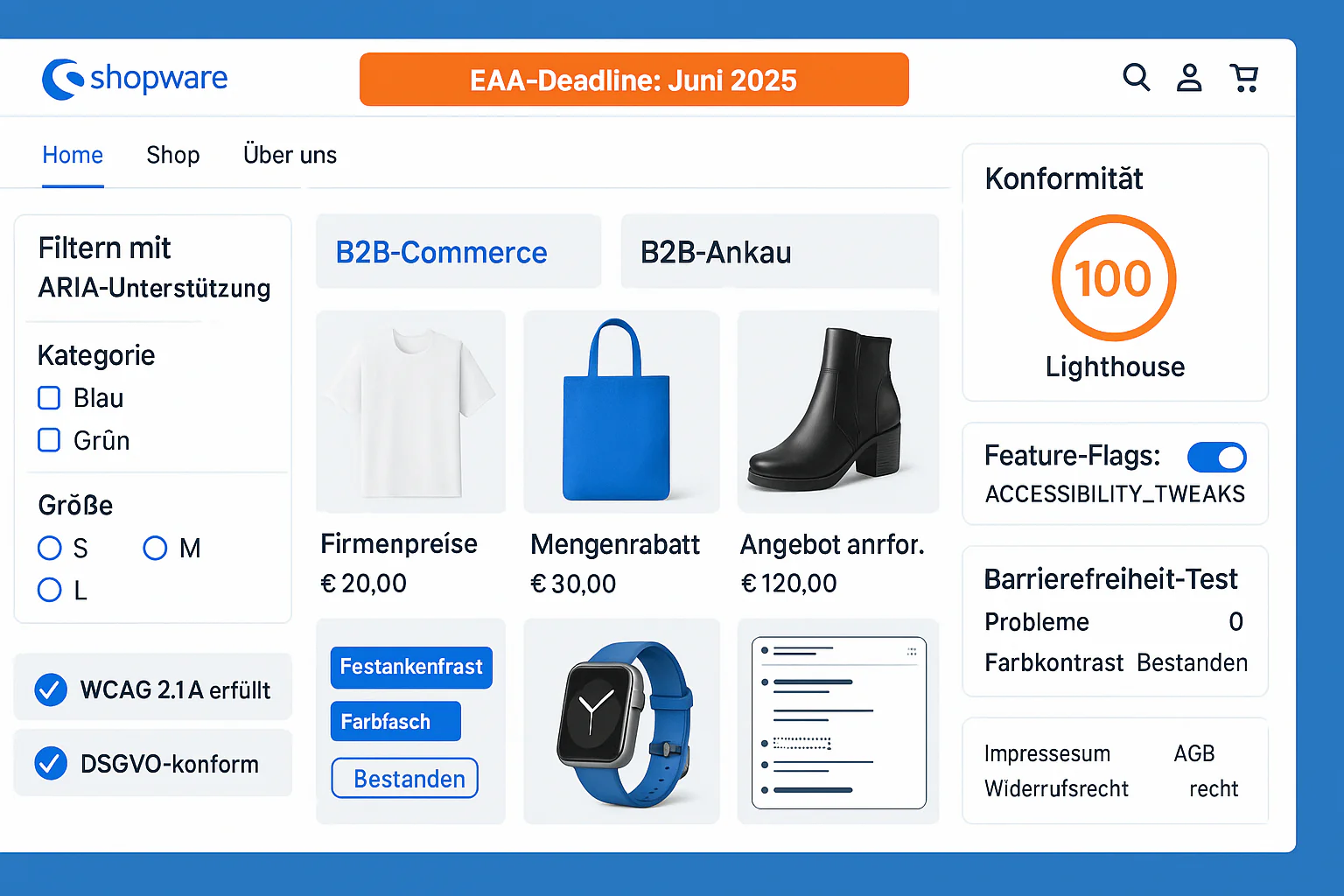
Shopware 6 Accessibility: EAA Compliance Guide for E-Commerce
Shopware 6.7 Accessibility Guide 2025: Built-in WCAG 2.1 Features, EAA Compliance, B2B Features - Achieving Perfect 100/100 Lighthouse Score.
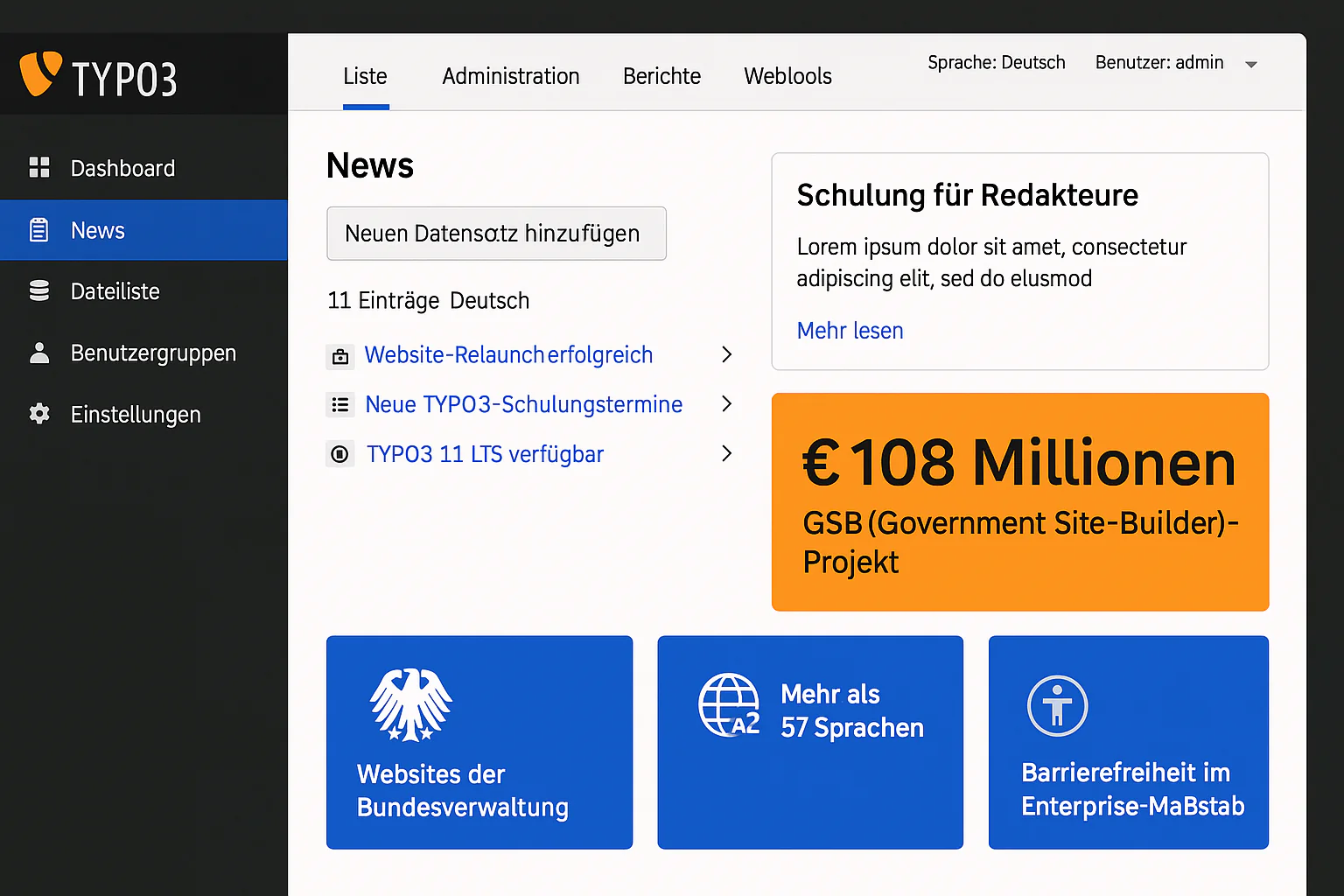
TYPO3 Accessible News: Editor Guide for Enterprise CMS
TYPO3 Enterprise Accessibility Guide 2025: Built-in WCAG 2.1 Features, Multi-Language Support, Government-Scale Implementations - €108M GSB Project Experience.