EU Accessibility Act: The 8-Point Checklist for German Websites
The EU Accessibility Act (EAA) fundamentally changes the digital landscape. This European accessibility directive requires companies as of June 28, 2025 to make their digital offerings accessible to all people[1][2][3]. What initially may appear as an additional burden proves upon closer examination to be a valuable opportunity for market development and quality improvement.
What is the EU Accessibility Act?
The European Accessibility Act is a comprehensive EU directive from 2019 that establishes harmonized accessibility standards for products and services across the entire European single market[1][4][3]. Unlike earlier regulations, the EAA is not limited to public institutions, but for the first time also includes private economic actors in the responsibility for digital accessibility[5][6][7].
The directive was implemented in Germany through BFSG (German implementation of EAA) and is based on the internationally recognized standard EN 301 549, which references the proven Web Content Accessibility Guidelines (WCAG 2.1) at conformance level AA[8][9][2].
Why the EAA is Relevant for German Companies
German companies face a new reality: The EAA applies not only to companies based in the EU, but to all providers serving consumers within the European Union[3][10][11]. This extraterritorial effect means that even smaller companies can be affected if they operate cross-border.
The economic dimensions are considerable. About 87 million people with various disabilities live in Europe, whose purchasing power is estimated at around €800 billion annually[3][5]. At the same time, significantly more people often benefit from accessible websites, as improved usability, clearer structures, and better contrasts also benefit older users or people in difficult usage situations.
The 8-Point Checklist for EAA-Compliant Websites
1. Fully Implement Keyboard Navigation
One of the most fundamental requirements of the EAA concerns complete operability via keyboard. Many users cannot use a mouse and rely on keyboard navigation. Concretely, this means that all interactive elements such as links, buttons, form inputs, and dropdown menus must be accessible and operable through key combinations[12][13][14].
Practically implemented through so-called skip links, which allow quick jumps to important areas of the page. Equally important is a logical tab order that corresponds to the visual structure of the page. Focus indicators must be clearly visible so users can always recognize which element is currently active.
2. Ensure Sufficient Color Contrasts
Color contrasts play a crucial role in content readability. The EAA requires a contrast ratio of at least 4.5:1 between text and background for normal text and 3:1 for large texts[12][14][15]. This requirement helps not only people with visual impairments, but also improves readability in unfavorable lighting conditions or on mobile devices.
Tools like the WAVE Web Accessibility Evaluator or the Colour Contrast Analyser help check contrast ratios. Companies should note that information must never be conveyed exclusively through colors – additional markings through symbols or text hints are required.
3. Provide Alternative Texts for All Non-Textual Content
Images, graphics, icons, and other visual elements need descriptive alternative texts so screen reader software can make this content accessible for visually impaired users[12][13][16]. A good alternative text concisely describes the content and function of the image in its respective context.
It's important to distinguish: Informative images receive descriptive alternative texts, while purely decorative elements are provided with an empty alt attribute so they are skipped by screen readers. Complex graphics like diagrams or infographics need more detailed descriptions, provided either directly in the surrounding text or through additional description fields.
4. Build Semantic HTML Structure with Clear Headings
A well-thought-out information architecture forms the backbone of accessible websites. Headings must be hierarchically structured correctly, starting with a single H1 heading per page, followed by H2, H3, and further subdivisions[12][13][14]. This structure enables screen reader users to quickly navigate through content and get an overview.
Semantic HTML elements like <header>, <nav>, <main>, and <footer> help assistive technologies identify different areas of a webpage. Lists are marked with <ul>, <ol>, or <dl>, and tables receive appropriate headings and descriptions for better comprehensibility.
5. Design Accessible Forms with Clear Labels
Forms often present special challenges as they are used for many business-critical processes like orders or contact requests. Every input field needs a clear, understandable label that is correctly linked via the <label> element[12][17][13]. Required fields must be clearly marked, and error messages should be specifically and helpfully worded.
It's especially important to give users concrete hints for correction when errors occur. Instead of "Invalid input," an error message should for example read: "Please enter a valid email address in the format name@example.com." Grouping related form elements through <fieldset> and <legend> also significantly improves comprehensibility.
6. Provide Videos and Audio Content with Captions and Transcriptions
Multimedia content requires special attention for accessibility. Videos must be provided with captions that describe not only spoken words, but also important sounds and music[17][16][18]. For more complex audiovisual content, audio descriptions may additionally be required that verbally convey visual information.
Transcriptions provide a text-based alternative to audio and video content and benefit various user groups. They enable people with hearing impairments to understand the content, while simultaneously offering SEO advantages through searchable text content.
7. Optimize Responsive Design for Different Devices
Accessibility extends across all devices and screen sizes. Responsive design ensures that websites work equally well on smartphones, tablets, and desktop computers[16][19][20]. Font sizes must remain adjustable and content must still be fully accessible even at 200% magnification.
Touch targets on mobile devices should be sufficiently large to enable precise operation even for people with motor impairments. The minimum size for interactive elements is 44x44 pixels, with sufficient spacing between adjacent elements.
8. Implement Accessibility Statement and Feedback Mechanism
The EAA requires companies not only technical implementation, but also transparency about the state of accessibility. An accessibility statement informs users about which measures have been taken and where there may still be room for improvement[21][22][12].
A functioning feedback mechanism allows users to report barriers and submit improvement suggestions. This can be through a special contact form, email address, or phone number. It's important that these channels are themselves accessible and that inquiries are processed promptly.
Technical Standards and Testing Tools
Implementation of EAA requirements is based on established technical standards. The European standard EN 301 549 forms the legal framework and references the WCAG 2.1 Guidelines at conformance level AA[23][24][25]. These internationally recognized guidelines offer detailed instructions for practical implementation.
Various automated testing tools support accessibility assessment. The WAVE Web Accessibility Evaluator, aXe by Deque Systems, or the Lighthouse Accessibility Audit in Chrome Developer Tools automatically identify many technical problems[12][26]. However, these tools do not replace manual review by experts or testing with actual users.
Business Benefits of Accessibility
Accessibility brings measurable business benefits. Studies show that accessible websites can achieve up to 20% higher conversion rates, as they are generally more user-friendly and better structured[22][5]. At the same time, many accessibility measures also improve search engine optimization, as semantic HTML structures and meaningful alternative texts support the crawling process.
Investment in accessibility also pays off through risk mitigation. While thousands of lawsuits have already been filed in the US for inaccessible websites, corresponding awareness for legal enforcement is also developing in Europe[27][28][29]. Companies that act proactively avoid both legal risks and reputational damage.
Implementation Strategies for Different Company Sizes
The approach to EAA implementation varies depending on company size and resources. Larger companies can build dedicated accessibility teams and conduct comprehensive audits. Smaller companies often benefit from gradual improvements focusing on the most important user journeys[30][31].
External service providers and specialized agencies offer support from initial assessment to complete implementation. It's important not to view accessibility as a one-time project, but as a continuous improvement process integrated into all development and design processes.
Future Perspectives and Development
The EAA represents only the beginning of a more comprehensive development toward a more inclusive digital society. Further tightening of requirements is to be expected, as well as expansion to additional areas and technologies. Companies that already go beyond minimum requirements today position themselves advantageously for future developments.
Integration of artificial intelligence and new technologies into assistive tools will further expand possibilities for accessible user experiences. Voice interfaces, automatic image descriptions, and adaptive user interfaces will shape the landscape of digital accessibility in coming years.
The EU Accessibility Act marks a turning point in European digital policy. Companies that systematically address the eight described points not only fulfill their legal obligations, but create real value for all users. Accessibility is not a technical add-on, but a fundamental quality standard for the digital age.
Free audit of your website
Let us check your website for accessibility – free and non-binding
Topics:
Weitere Artikel
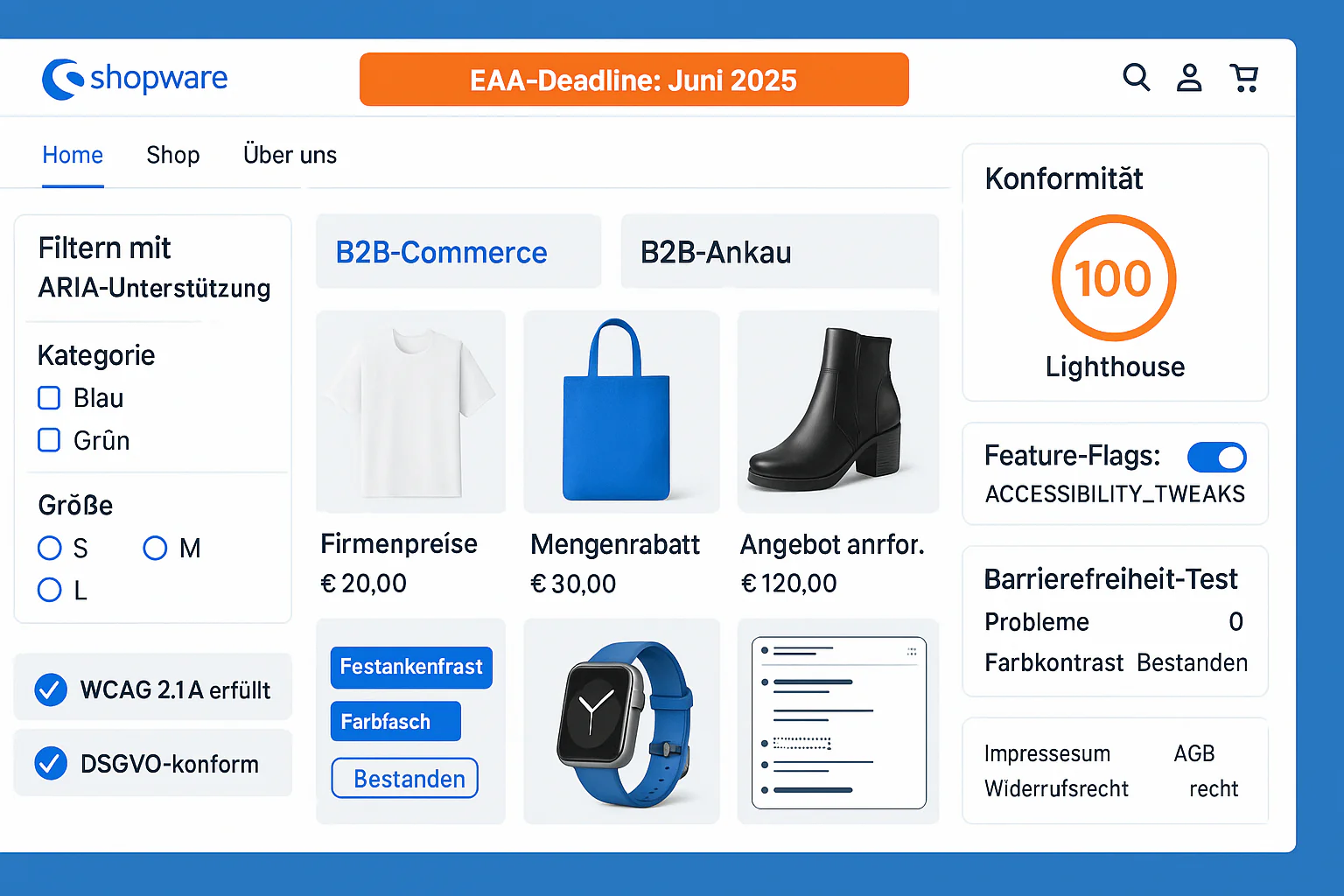
Shopware 6 Accessibility: EAA Compliance Guide for E-Commerce
Shopware 6.7 Accessibility Guide 2025: Built-in WCAG 2.1 Features, EAA Compliance, B2B Features - Achieving Perfect 100/100 Lighthouse Score.
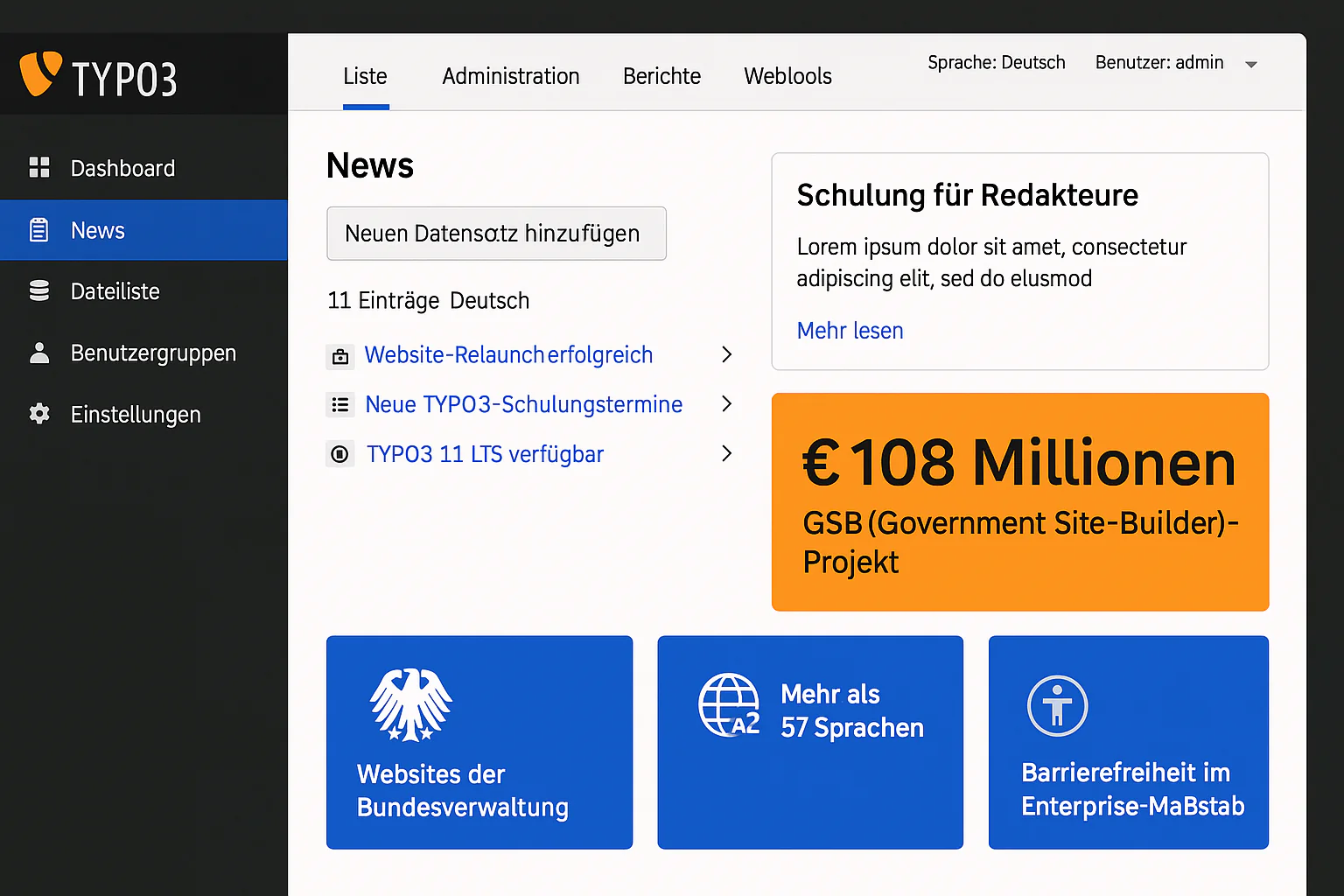
TYPO3 Accessible News: Editor Guide for Enterprise CMS
TYPO3 Enterprise Accessibility Guide 2025: Built-in WCAG 2.1 Features, Multi-Language Support, Government-Scale Implementations - €108M GSB Project Experience.
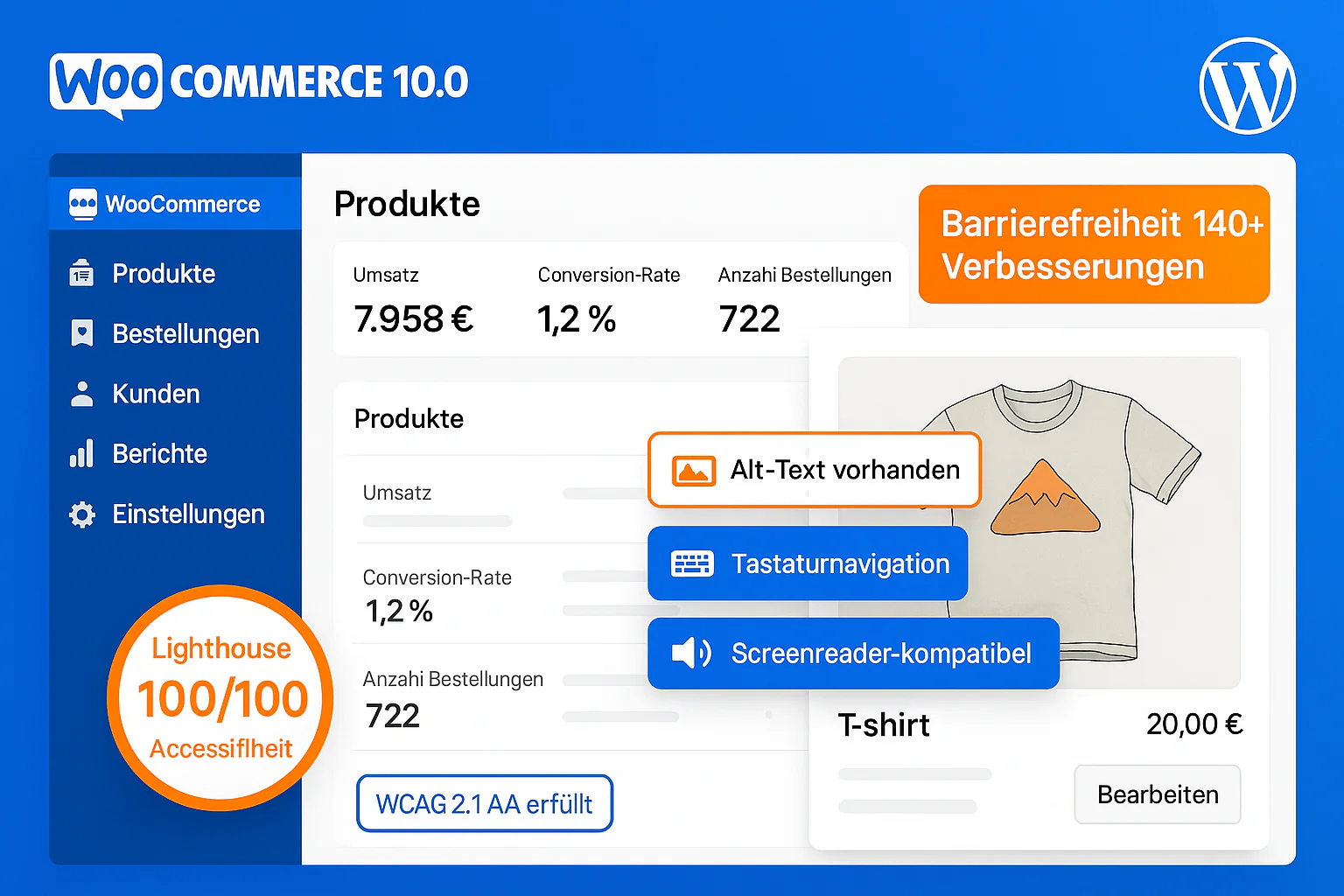
WordPress Accessible Product Page: WooCommerce WCAG Guide
WooCommerce 10.0 WCAG 2.2 Compliance Guide 2025: Themes, Plugins, Checkout, Payment Gateways - Properly Configuring 140+ Accessibility Features.