Core Web Vitals 2026: The Complete LCP, INP, and CLS Optimization Guide
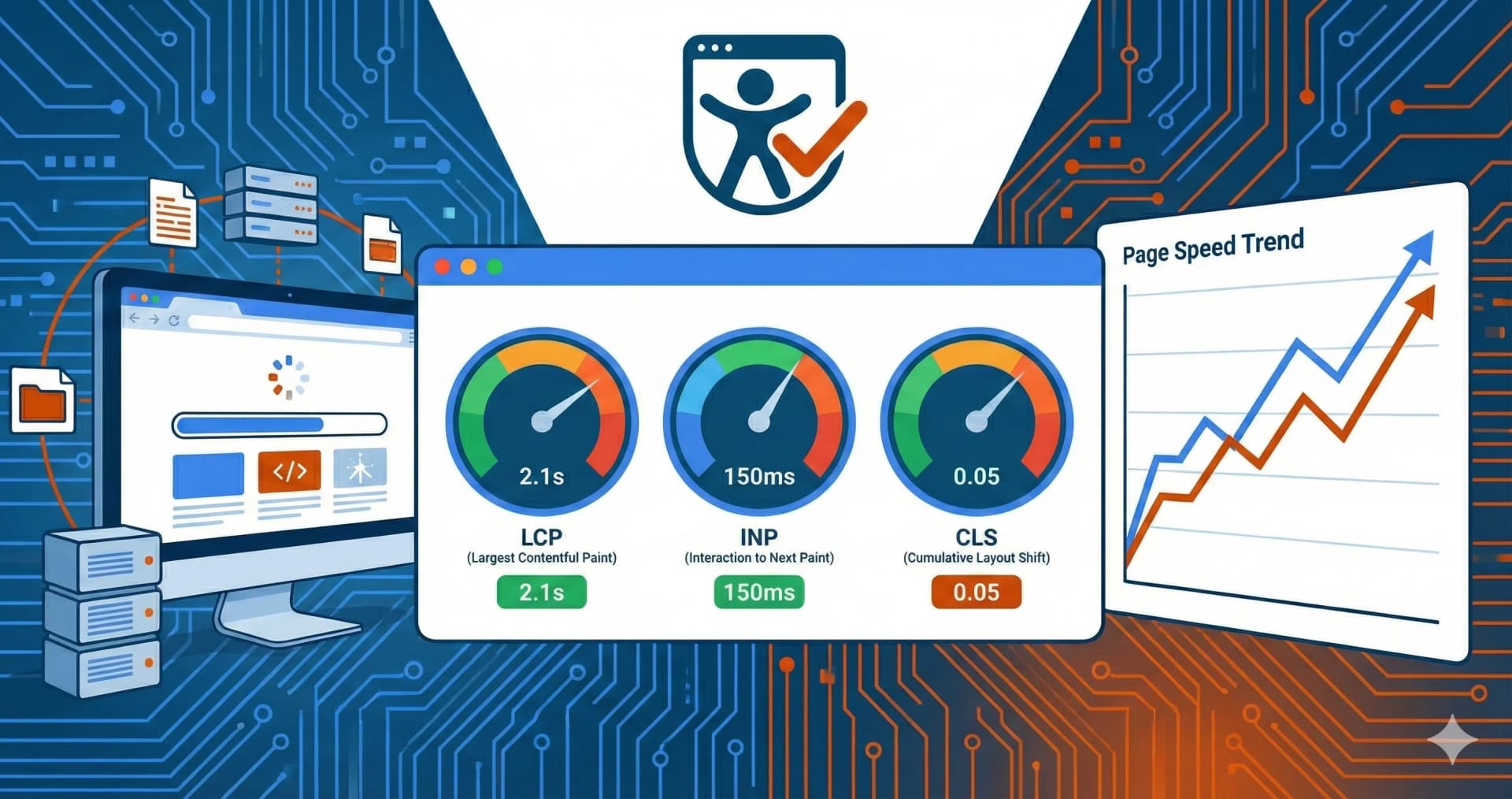
Core Web Vitals are Google's key metrics for measuring user experience, and they directly impact your search rankings. In 2026, only 47% of websites pass all three metrics – meaning optimizing your Core Web Vitals gives you a measurable competitive advantage[1]. This guide covers everything you need to know: current thresholds, optimization techniques for LCP, INP, and CLS, and the tools to measure your progress.
Key Takeaways
- LCP (Largest Contentful Paint): ≤2.5 seconds for a "good" score
- INP (Interaction to Next Paint): ≤200ms for a "good" score (replaced FID in March 2024)
- CLS (Cumulative Layout Shift): ≤0.1 for a "good" score
- Only 47% of websites pass all three Core Web Vitals
- INP is the hardest metric – 47% of sites fail it
- Sites with poor Core Web Vitals saw 23-31% more traffic loss in Google's December 2025 update
What Are Core Web Vitals?
Core Web Vitals are three specific metrics that Google uses to evaluate the user experience of your website[2]:
| Metric | What It Measures | Good Threshold | Needs Improvement | Poor |
|---|---|---|---|---|
| LCP | Loading performance | ≤2.5s | 2.5s - 4.0s | >4.0s |
| INP | Responsiveness | ≤200ms | 200ms - 500ms | >500ms |
| CLS | Visual stability | ≤0.1 | 0.1 - 0.25 | >0.25 |
Google measures these metrics at the 75th percentile of page loads. This means that 75% of your visitors must experience "good" scores for your site to pass[3].
Are Core Web Vitals a Ranking Factor?
Yes. Core Web Vitals are confirmed Google ranking factors as part of the Page Experience update[4]. According to industry research, they account for approximately 10-15% of ranking signals. While not the dominant factor, sites that meet Core Web Vitals thresholds have a measurable advantage when competing for search rankings.
Impact from December 2025 Google Update:
- Sites with LCP above 3 seconds experienced 23% more traffic loss than faster competitors
- Poor INP scores above 300ms caused 31% traffic drops, particularly on mobile devices[5]
Get a Free Performance Audit
We'll analyze your Core Web Vitals and provide actionable recommendations
Book Free ConsultationCore Web Vitals Statistics 2026
Understanding the current landscape helps you gauge where your site stands:
| Statistic | Value | Source |
|---|---|---|
| Websites passing all CWV | 47% | NitroPack |
| Sites failing INP specifically | 47% | NitroPack |
| WordPress sites passing (mobile) | 44% | Industry Analysis |
| Duda sites passing | 84.87% | SEJ Research |
| Wix sites passing | 74.86% | SEJ Research |
| Sites with good LCP | 47.99% | HTTPArchive |
Key Insight: INP is the toughest metric in 2026. While 89% of sites pass the old FID metric, the new INP standard catches many more performance issues[1].
LCP Optimization: Improving Loading Performance
Largest Contentful Paint measures how quickly the main content of your page becomes visible. The LCP element is typically either a hero image or text block with a custom web font[6].
Image Optimization Techniques
1. Use Modern Image Formats
- Convert images to WebP or AVIF format
- WebP typically offers 25-35% smaller file sizes than JPEG
- AVIF can be up to 50% smaller but has less browser support
2. Implement fetchpriority="high"
This is "the most powerful LCP optimization you're probably not using"[7]:
<img src="hero.webp" fetchpriority="high" alt="Hero image">
By default, browsers download images with "Low" priority. Adding fetchpriority="high" commands immediate download.
3. Preload Critical Images
<link rel="preload" as="image" href="hero.webp" fetchpriority="high">
4. Don't Lazy-Load Above-the-Fold Images
Lazy loading your hero image is a common mistake that significantly delays LCP. Only lazy-load images below the initial viewport[8].
5. Use a CDN
Content Delivery Networks reduce the physical distance between your server and users. Image CDNs can also automatically optimize and resize images.
Font Optimization Techniques
If your LCP element is text with a custom font, slow font loading directly impacts your score:
1. Use font-display: swap or optional
@font-face {
  font-family: 'CustomFont';
  src: url('font.woff2') format('woff2');
  font-display: swap; /* Shows fallback immediately, swaps when loaded */
}
Using font-display: optional is even better for LCP – it gives the font ~100ms to load, otherwise uses the fallback permanently[9].
2. Self-Host Your Fonts
Hosting fonts on your own domain eliminates the extra DNS lookup and connection to Google Fonts or other third parties.
3. Preload Critical Fonts
<link rel="preload" as="font" type="font/woff2" href="font.woff2" crossorigin>
Quick LCP Checklist
- Use WebP/AVIF for hero images
- Add fetchpriority="high" to LCP image
- Preload critical images and fonts
- Don't lazy-load above-the-fold content
- Use font-display: swap or optional
- Minimize render-blocking CSS/JS
- Use a CDN for static assets
- Ensure server response time <600ms
INP Optimization: Improving Responsiveness
Interaction to Next Paint (INP) replaced First Input Delay (FID) in March 2024. It measures how quickly your page responds to all user interactions – not just the first one[10].
The Three Phases of INP
Every interaction consists of three phases:
- Input Delay – Time waiting for background tasks to finish before the browser can start handling your interaction
- Processing Time – Time spent running JavaScript event handlers
- Presentation Delay – Time to recalculate layout and paint the visual update
Target: Total time across all three phases should be ≤200ms.
INP Optimization Techniques
1. Break Up Long Tasks
Long JavaScript tasks (>50ms) block the main thread and delay interactions. Split them into smaller chunks:
// Instead of one long task
function processLargeArray(items) {
  items.forEach(item => heavyProcessing(item));
}

// Break into smaller tasks
async function processLargeArray(items) {
  for (const item of items) {
    heavyProcessing(item);
    await new Promise(resolve => setTimeout(resolve, 0)); // Yield to main thread
  }
}
2. Use Web Workers for Heavy Processing
Move CPU-intensive tasks off the main thread:
const worker = new Worker('heavy-task.js');
worker.postMessage(data);
worker.onmessage = (e) => updateUI(e.data);
3. Defer Non-Critical JavaScript
<script src="analytics.js" defer></script>
<script src="chat-widget.js" defer></script>
4. Audit Third-Party Scripts
Third-party scripts are often the biggest culprits for poor INP. Review and remove unnecessary scripts, or load them asynchronously[11].
5. Framework-Specific Optimizations
| Framework | Techniques |
|---|---|
| React | useDeferredValue, useTransition, React.memo |
| Vue | v-memo, async components, computed properties |
| Angular | OnPush change detection, trackBy, @defer |
6. Reduce DOM Size
Large DOM trees slow down layout recalculations. Aim for:
- Maximum 1,500 nodes total
- Maximum depth of 32 levels
- No parent node with >60 child nodes
INP Impact on Business
Google's Web Vitals team found that improving INP from 500ms to 200ms correlates with up to 22% improvement in user engagement metrics[12].
CLS Optimization: Improving Visual Stability
Cumulative Layout Shift measures how much content unexpectedly moves during page load. A CLS score of 0.1 or less is considered "good"[13].
Common Causes of Layout Shifts
- Images without dimensions – Browser doesn't know how much space to reserve
- Ads and embeds – Load asynchronously and push content down
- Web fonts – Text reflows when custom font loads
- Dynamic content injection – New elements inserted above existing content
CLS Optimization Techniques
1. Always Specify Image Dimensions
<!-- Bad - causes layout shift -->
<img src="photo.jpg" alt="Photo">

<!-- Good - browser reserves space -->
<img src="photo.jpg" alt="Photo" width="800" height="600">
Modern browsers automatically calculate the aspect ratio from width/height attributes and reserve the correct space[14].
2. Reserve Space for Ads
.ad-container {
  min-height: 250px; /* Reserve space for ad */
  background: #f0f0f0;
}
3. Use CSS Transform for Animations
Animations using transform don't trigger layout recalculations:
/* Bad - triggers layout */
.animate {
  margin-left: 100px;
}

/* Good - no layout shift */
.animate {
  transform: translateX(100px);
}
4. Optimize Font Loading
Using font-display: optional prevents layout shifts from font swapping entirely:
@font-face {
  font-family: 'CustomFont';
  src: url('font.woff2') format('woff2');
  font-display: optional;
}
5. Don't Inject Content Above Existing Elements
When adding dynamic content (like notifications or banners), add them below existing content, not above. Or use fixed/sticky positioning that doesn't affect layout.
Tools to Measure Core Web Vitals
| Tool | Data Type | Best For |
|---|---|---|
| PageSpeed Insights | Lab + Field (28-day CrUX) | Production site analysis |
| Lighthouse | Lab (simulated) | Development, CI/CD integration |
| Chrome DevTools | Lab (real-time) | Debugging, profiling |
| Search Console | Field (CrUX) | Site-wide trends, URL groups |
| Web Vitals Extension | Lab (real-time) | Quick checks while browsing |
Lab vs. Field Data
Lab Data (Lighthouse, DevTools):
- Simulated environment, controlled conditions
- Great for debugging and development
- May not reflect real-world performance
Field Data (CrUX, PageSpeed Insights):
- Real user data from Chrome browsers
- 28-day rolling average
- Shows actual user experience[15]
Important: Lighthouse simulates a mid-tier mobile device on slow 4G. Your actual users might have different experiences.
Core Web Vitals and Accessibility Connection
Performance and accessibility are deeply connected. Many optimizations help both:
| Optimization | CWV Benefit | Accessibility Benefit |
|---|---|---|
| Semantic HTML | Better parsing, faster rendering | Screen reader compatibility |
| Image alt text | Faster image handling | Vision impaired users |
| Reduced motion | Lower CLS | Vestibular disorder users |
| Keyboard focus | Faster interaction handling | Motor impaired users |
| Color contrast | - | Low vision users |
Accessible websites naturally tend to have better Core Web Vitals because they prioritize clean, semantic code and efficient rendering[16].
Frequently Asked Questions
How often does Google update Core Web Vitals?
Google continuously refines the metrics. The most significant recent change was replacing FID with INP in March 2024. Based on update patterns (March, June, December 2025), expect the next core update in March or April 2026.
Can Core Web Vitals alone boost my rankings?
No. Core Web Vitals are one of many ranking factors (estimated 10-15%). They won't override poor content or weak backlinks. However, when content quality is similar between competing pages, better Core Web Vitals provide a ranking advantage.
Why does my Lighthouse score differ from PageSpeed Insights?
Lighthouse uses only simulated lab data, while PageSpeed Insights combines lab data with 28 days of real user data from CrUX. Real users have varying devices, networks, and behaviors that lab tests can't fully replicate.
What's the most important metric to optimize first?
Start with LCP – it's often the easiest to improve (image optimization, preloading) and has the most visible impact. Then tackle CLS (dimension attributes, reserved space), and finally INP (JavaScript optimization).
Do Core Web Vitals affect mobile and desktop rankings differently?
Google uses mobile-first indexing, so mobile Core Web Vitals are more important for rankings. However, desktop performance still matters for user experience and conversions.
Conclusion
Core Web Vitals in 2026 are not optional – they're a measurable factor in your search rankings and user experience. With only 47% of websites passing all three metrics, optimizing LCP, INP, and CLS gives you a competitive edge.
Priority actions:
- Run PageSpeed Insights on your key pages
- Fix LCP issues first (images, fonts, server response)
- Address CLS problems (dimensions, reserved space)
- Optimize INP (JavaScript, third-party scripts)
- Monitor with Search Console's Core Web Vitals report
Remember: Fast, stable, and responsive websites aren't just about SEO – they convert better, retain users longer, and provide a better experience for everyone, including users with disabilities.
Need Help Optimizing Your Site?
We specialize in web performance and accessibility audits
Book Free ConsultationRelated Articles:
Free audit of your website
Let us check your website for accessibility – free and non-binding
Topics:
Weitere Artikel
How Accessibility Improves SEO: The Complete Guide 2026
Discover why accessible websites rank higher in Google. Research shows WCAG-compliant sites gain 23% more organic traffic. Learn the 10 overlapping factors between accessibility and SEO.
How Much Does an Accessibility Audit Cost in 2026? Pricing Guide
Transparent overview of web accessibility audit costs: From €1,500 to €20,000+ depending on scope. Learn the 7 factors that influence pricing and how to choose the right provider.
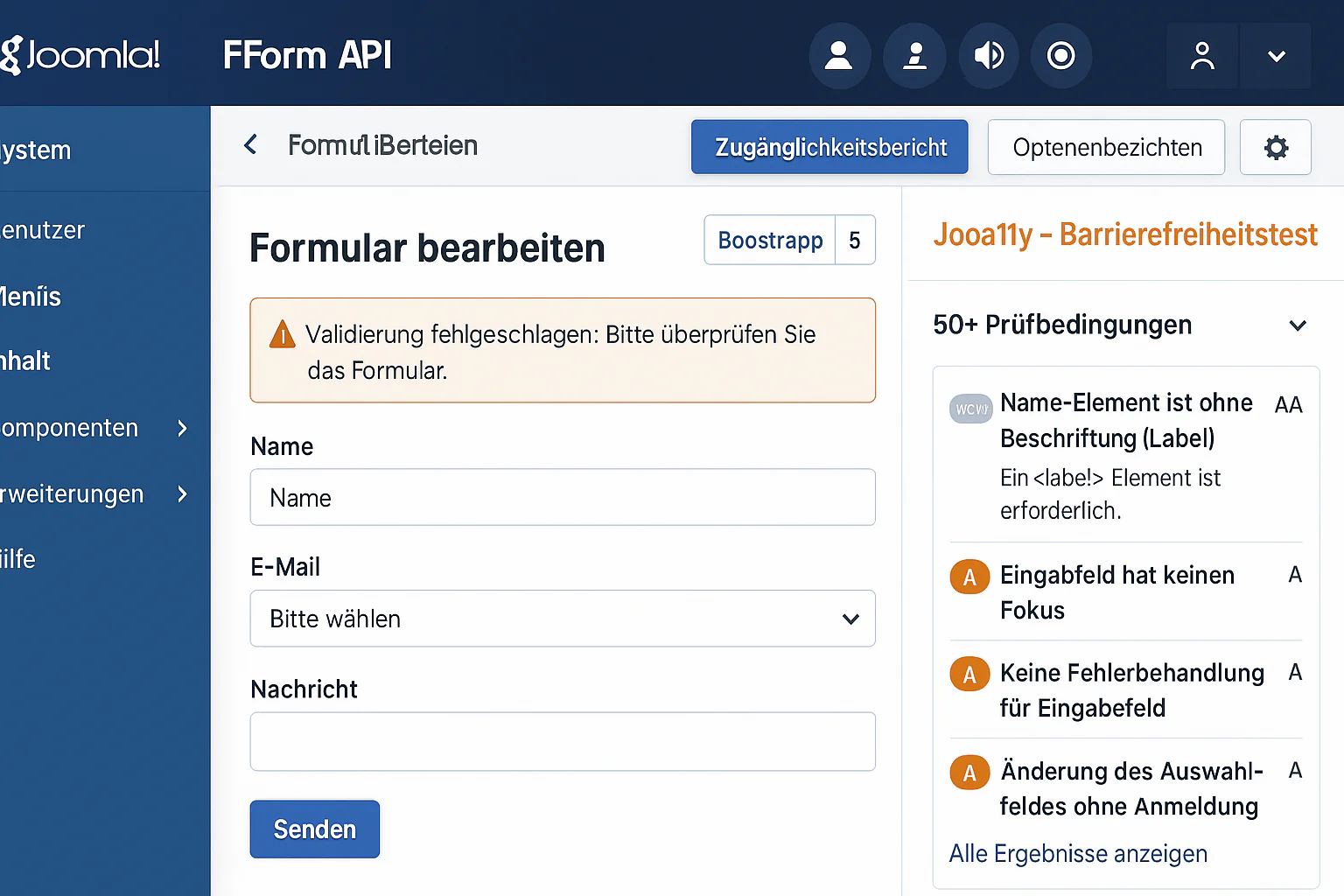
Joomla 4 & 5 Form Accessibility: WCAG Compliance Guide
Joomla 4/5 Accessibility Guide 2025: JForm API, Jooa11y Checker, RSForm Pro WCAG - Bootstrap 5 Integration for complete accessibility compliance.